Form 26AS is a crucial document for filing your Income Tax Return (ITR) in India. Here’s a complete and easy-to-understand explanation for you:
🔍 What is Form 26AS?
Form 26AS is an annual tax credit statement issued by the Income Tax Department. It contains details of:
- TDS (Tax Deducted at Source) deducted by employers, banks, or others
- TCS (Tax Collected at Source)
- Advance tax or self-assessment tax paid by you
- Refunds received
- High-value transactions (like mutual fund purchases, property transactions, etc.)
✅ It acts as a consolidated tax statement linked to your PAN and is very important while filing your ITR.
🛠️ Where to Download Form 26AS
You can download Form 26AS from:
✅ Method 1: Through Income Tax Portal
- Go to https://www.incometax.gov.in
- Login using your PAN/Aadhaar and password
- Click on “e-file” > “Income Tax Returns” > “View Form 26AS”
- Click on “Confirm” to be redirected to the TRACES portal
- Choose Assessment Year (e.g., 2024–25 for income earned in FY 2023–24)
- Choose HTML / Text / PDF format and click “View/Download”
💡 Make sure pop-ups are enabled in your browser.
🧾 How to Use Form 26AS While Filing ITR (Step-by-Step)
📘 Example Scenario:
- You’re a salaried person.
- Your company deducted ₹50,000 TDS during the year.
- You also earned ₹10,000 interest from a bank (with ₹1,000 TDS deducted).
- You want to file ITR-1 for FY 2023–24 (AY 2024–25).
🪜 Steps:
✅ Step 1: Download Form 26AS
Follow the download process above and open Form 26AS. You’ll see:
| Section | Details |
|---|---|
| Part A | TDS by Employer – ₹50,000 |
| Part A1 | TDS on Bank Interest – ₹1,000 |
| Part C | Self/Advance Tax (if any) |
| Part D | Refunds (if any) |
| Part E | SFT Transactions (if applicable) |
✅ Step 2: Match Income and TDS
Check that:
- Salary mentioned in Form 26AS matches your Form 16
- TDS deducted is properly reflected (₹50,000 + ₹1,000 = ₹51,000)
- Bank interest income is added in your return
✅ Step 3: File ITR
- Go to the Income Tax e-filing portal
- Select “File Income Tax Return”
- Choose:
- AY 2024–25
- Online
- ITR Form: ITR-1 (for most salaried individuals)
- Fill in personal details
- Under Income Sources:
- Add Salary (as per Form 16)
- Add Other Income → Interest from Bank
- Under Tax Details, the portal will automatically fetch TDS from Form 26AS
- If all is correct, proceed to Tax Summary — it will show refund/payable
- Submit and verify using Aadhaar OTP / net banking / other methods
📌 Tips:
- If TDS is missing from Form 26AS, contact the deductor (employer/bank) to file a revised TDS return
- Always cross-check Form 16/Form 16A with 26AS before filing
- You may also compare with the new AIS (Annual Information Statement) for better accuracy
🧠 Summary:
| Aspect | Details |
|---|---|
| What | Form 26AS is your tax passbook showing TDS, tax payments, and transactions |
| Download From | incometax.gov.in via TRACES |
| Use | Helps pre-fill TDS and verify income while filing ITR |
| Useful For | Salaried, freelancers, businesspeople, investors |
✅ Real-Life Scenario: Filing ITR Using Form 26AS
👩💼 Profile: Ms. Priya Sharma
- Works at: Infosys
- Salary (FY 2023–24): ₹12,00,000
- TDS by employer: ₹1,20,000
- Bank FD interest: ₹20,000
- TDS on FD interest: ₹2,000
- PAN: Linked to her income and investments
🔽 Step-by-Step Process
📌 Step 1: Priya logs in to the Income Tax Portal
- Goes to https://www.incometax.gov.in
- Logs in using her PAN and password
- Clicks: e-file > Income Tax Returns > View Form 26AS
📌 Step 2: Download Form 26AS
Form 26AS shows:
| Section | Details |
|---|---|
| Part A – Employer (Infosys): | |
| Gross salary: ₹12,00,000, TDS deducted: ₹1,20,000 | |
| Part A1 – Bank FD (HDFC Bank): | |
| FD interest: ₹20,000, TDS: ₹2,000 | |
📌 Step 3: File ITR Using Pre-Filled Data
Priya selects:
- ITR Form: ITR-1
- AY: 2024–25
The portal auto-fills the TDS details from Form 26AS:
| Source | Income | TDS |
|---|---|---|
| Infosys | ₹12,00,000 | ₹1,20,000 |
| HDFC Bank | ₹20,000 | ₹2,000 |
She verifies:
- Salary matches Form 16
- Bank interest is declared under “Income from Other Sources”
📌 Step 4: Tax Calculation
- Total Income: ₹12,20,000
- Tax liability as per slab: ₹1,30,000
- TDS available: ₹1,22,000
⚠️ Remaining Tax to Pay: ₹8,000
She pays self-assessment tax and verifies it via Challan 280.
📌 Step 5: Submit & e-Verify
- Files the return
- e-Verify using Aadhaar OTP
✅ ITR Successfully Filed
🎯 Key Learnings from This Scenario:
| Point | Insight |
|---|---|
| 1 | Always match Form 26AS with Form 16 and bank TDS |
| 2 | If TDS is missing, fix it before filing ITR |
| 3 | Use Form 26AS to avoid underreporting or notices |
| 4 | Even if income is tax-free, declare it (e.g., exempt interest) |
Featured products
-

Best Ergonomic Gaming & Computer Chair
-
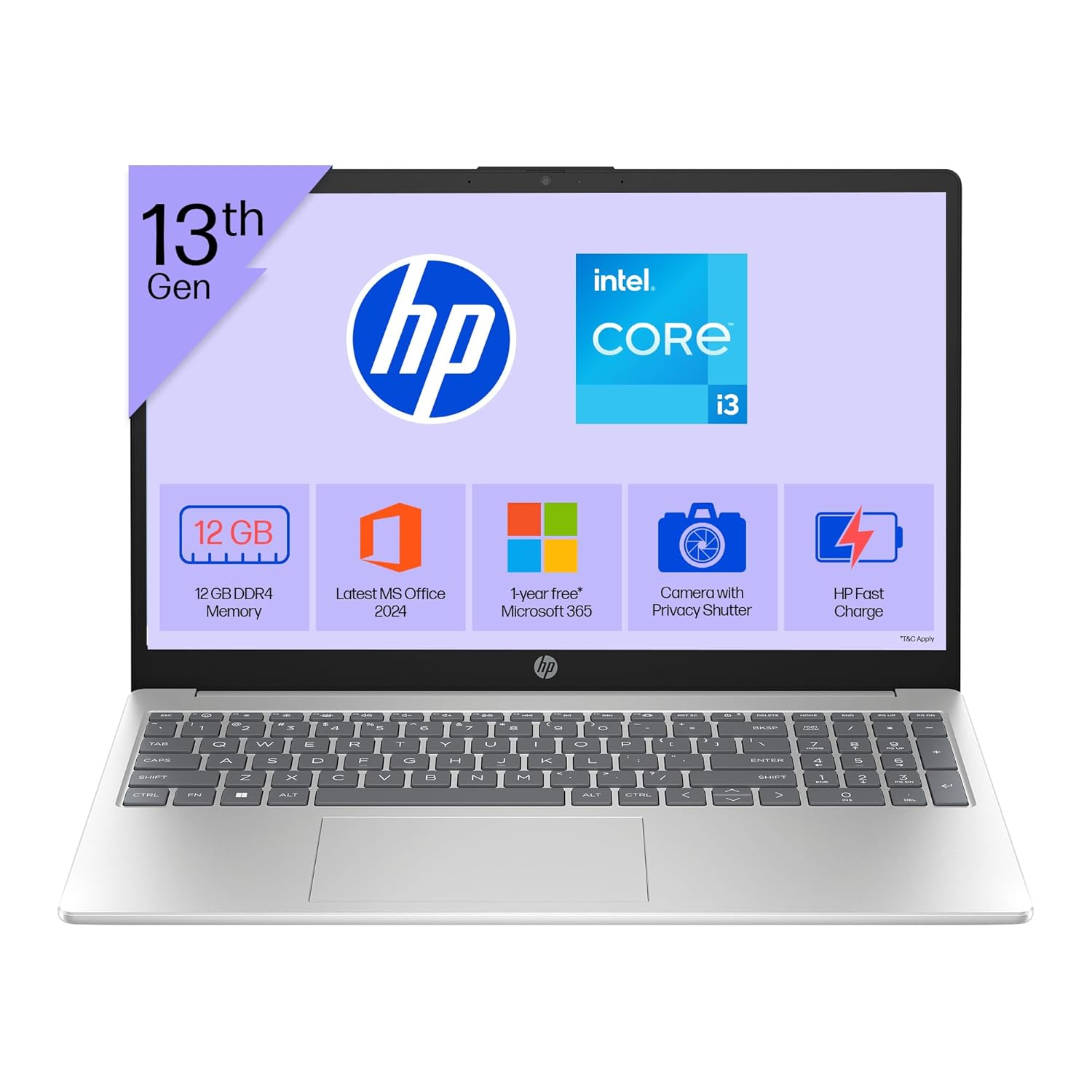
HP 15 Laptop – 13th Gen Intel Core i3 (12GB RAM, 512GB SSD)
Original price was: ₹52,721.00.₹33,990.00Current price is: ₹33,990.00. -

Lenovo SmartChoice Chromebook (82UY0014HA) – Compact & Affordable Everyday Laptop
-

Master Excel, Access, Macros & SQL – All in One Course
-
Noise Buds VS102
Original price was: ₹2,999.00.₹799.00Current price is: ₹799.00.