
Choosing the best wireless keyboard-mouse combo for office work is no longer just about price. For Indian professionals, it directly impacts typing comfort, daily productivity, desk ergonomics, and even long-term wrist health. With work-from-home, hybrid offices, online teaching, accounting, and data entry becoming the norm, a reliable wireless keyboard and mouse combo is now an essential productivity tool.
In this detailed review, we analyze four popular and highly rated wireless keyboard-mouse combos available in India. This article is written in a professional, non-salesy tone with real-world use cases, honest pros and cons, and clear recommendations to help you choose the right combo based on your work style and budget.
All opinions are independent and practical, suitable for Indian users working 6–10 hours daily on desktop or laptop systems.
How We Evaluated These Wireless Keyboard-Mouse Combos
Before diving into individual reviews, here are the criteria used for evaluation:
- Typing comfort for long office hours
- Mouse accuracy and DPI suitability
- Wireless stability and range (2.4GHz)
- Battery life and power efficiency
- Compatibility with Windows, macOS, and laptops
- Noise level for office or home environments
- Value for money based on Indian pricing
Each product below is reviewed from an office productivity perspective, not gaming or aesthetic usage.
Portronics Key7 Wireless Keyboard-Mouse Combo (Black)
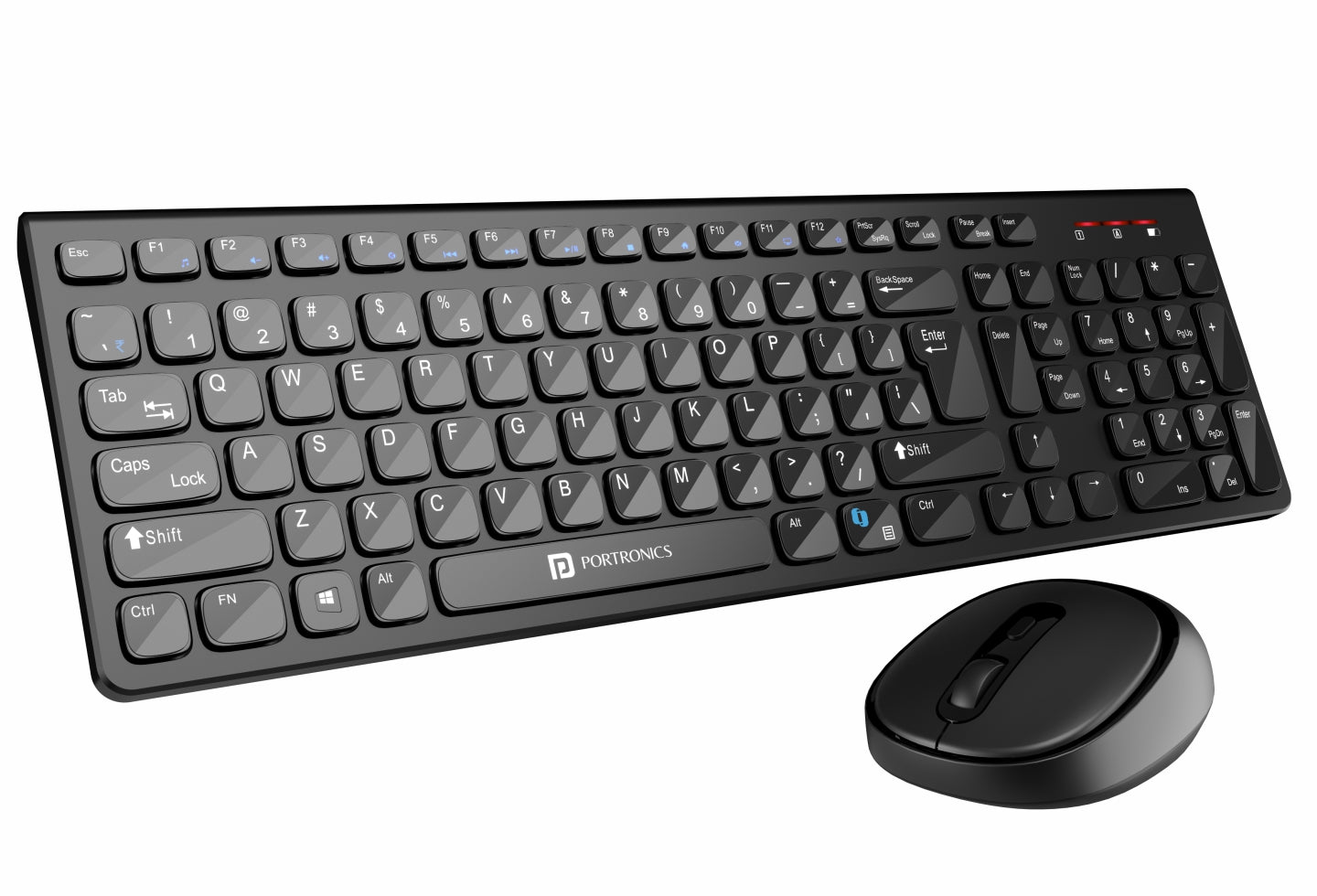
The Portronics Key7 combo is positioned as a budget-friendly wireless keyboard-mouse combo for everyday office tasks. It is widely used by students, accountants, data entry operators, and home office users.
Real-World Office Experience
The keyboard offers a standard full-size layout with comfortable key spacing, making it suitable for long typing sessions like Excel work, accounting entries, or document preparation. The 1200 DPI mouse is responsive enough for routine tasks such as browsing, file management, and basic design work.
Wireless connectivity is stable within a typical office room, and the single USB receiver keeps setup simple.
Pros
- Affordable pricing for office users
- Comfortable typing for long documents
- Plug-and-play wireless setup
- Decent mouse accuracy for daily work
Cons
- Build quality feels basic
- No dedicated multimedia keys
- Not ideal for heavy multitasking professionals
Recommendation:
Ideal for budget-conscious office users, students, and small businesses needing multiple systems.
👉 Buy Here: Buy Here
ZEBRONICS ZEB-COMPANION 200 Wireless Keyboard-Mouse Combo (Purple)
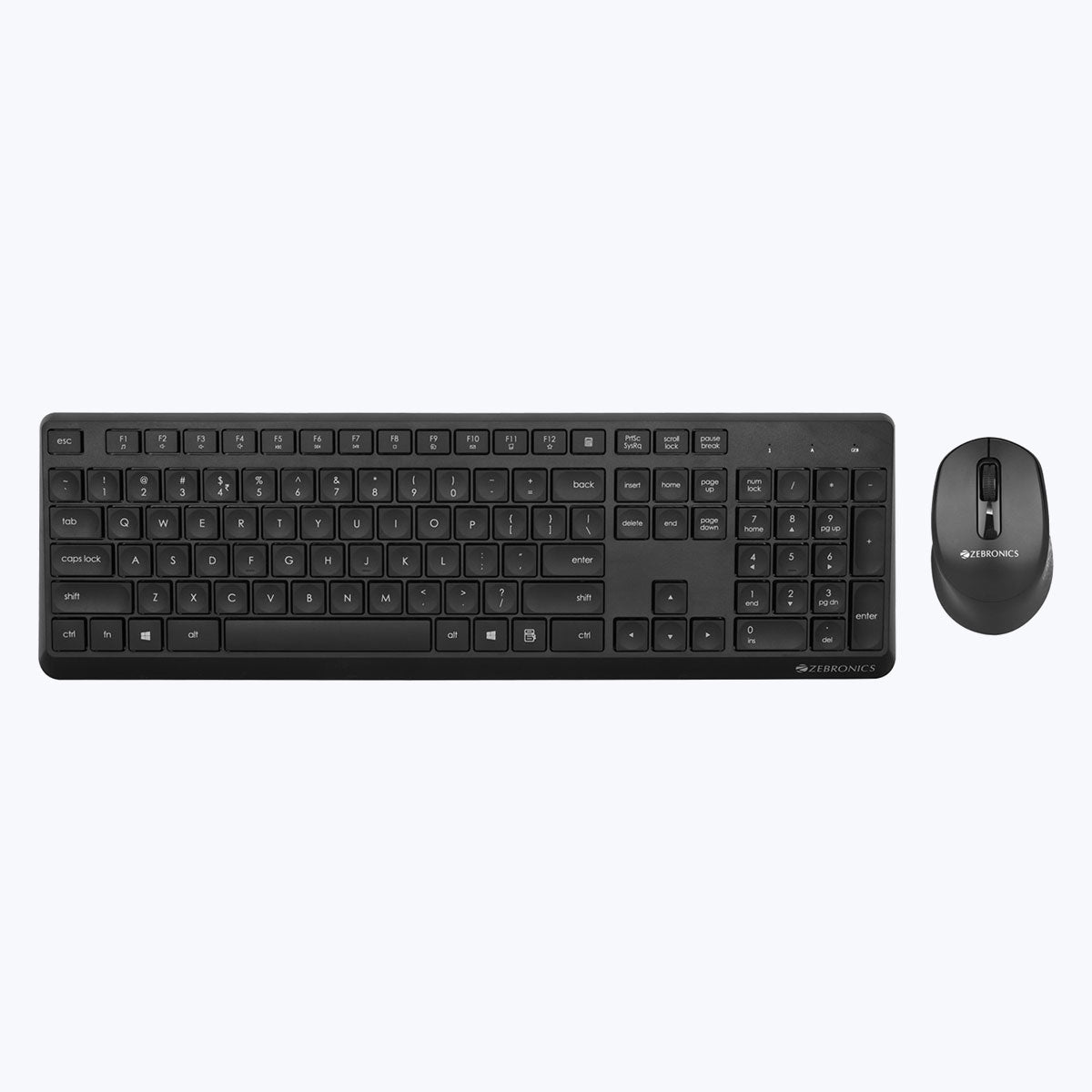
The ZEB-COMPANION 200 stands out with its silent operation and power-saving features, making it a good fit for shared workspaces and home offices.
Real-World Office Experience
Typing feels soft and quiet, which is particularly beneficial during meetings or shared environments. The mouse is also silent, reducing distractions. Power-saving mode helps extend battery life, reducing frequent battery replacements.
The slightly compact layout may take a day or two to adjust for users switching from full-size keyboards.
Pros
- Silent keyboard and mouse operation
- Good battery optimization
- Stylish color option for modern desks
- Reliable wireless performance
Cons
- Compact layout may not suit everyone
- No backlit keys
- Mouse grip may feel small for large hands
Recommendation:
Best for home offices, teachers, and professionals who prefer quiet peripherals.
👉 Check Price Here: Check Price Here
Dell KM3322W Wireless Keyboard-Mouse Combo (Black)
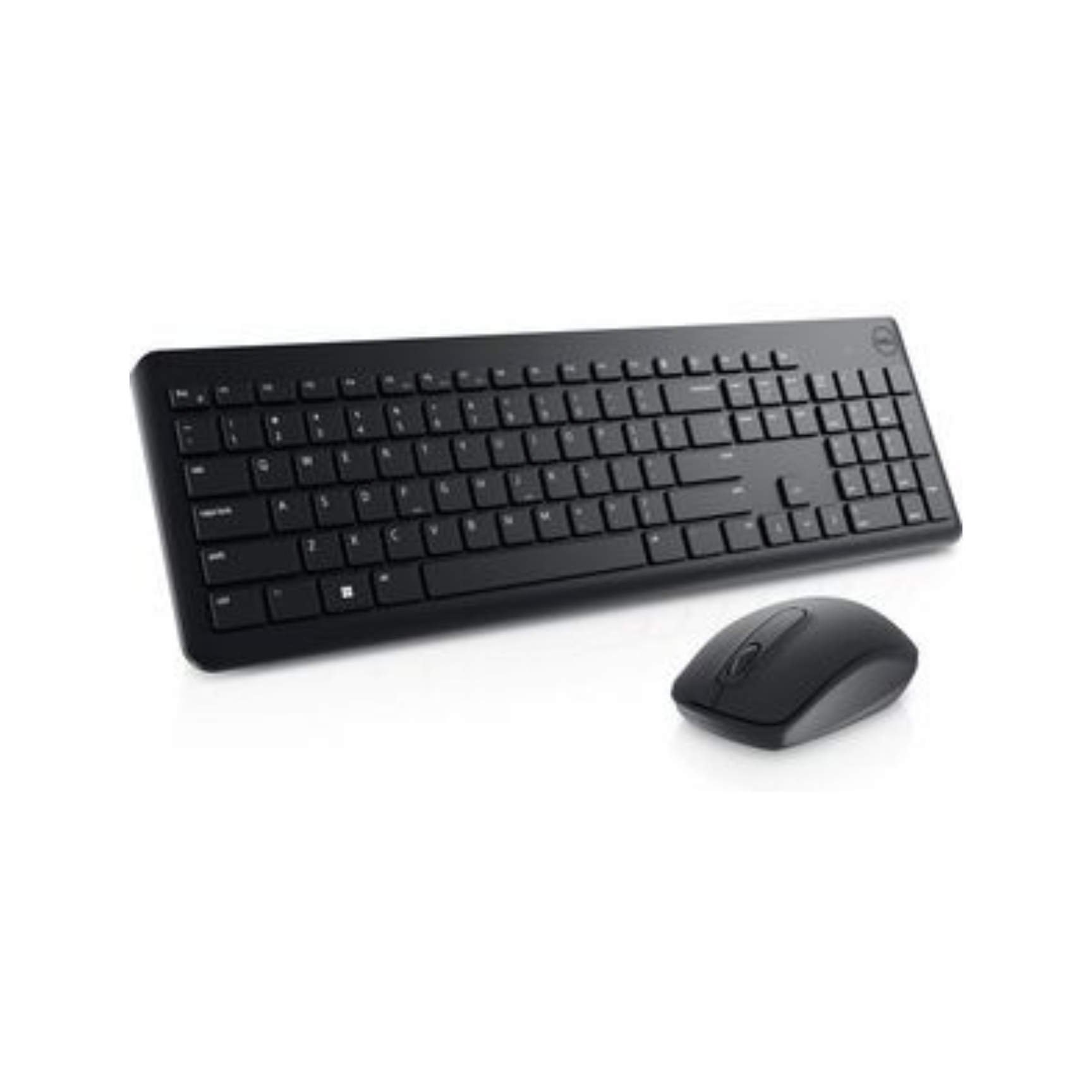
The Dell KM3322W is a premium office-grade combo designed for reliability, durability, and long-term usage. It is widely adopted in corporate offices and professional environments.
Real-World Office Experience
The keyboard offers excellent key stability, anti-fade lettering, and spill resistance, making it suitable for 8–10 hour workdays. The mouse tracks smoothly on most surfaces and feels ergonomically balanced.
One of its biggest advantages is battery life, with the keyboard lasting up to 36 months under normal use, significantly reducing downtime.
Pros
- Exceptional battery life
- Strong build quality
- Spill-resistant keys
- 3-year advance exchange warranty
Cons
- Higher price compared to budget options
- Basic design aesthetics
Recommendation:
Highly recommended for corporate professionals, finance teams, and serious office users seeking long-term reliability.
👉 Buy Here: Buy Here
Logitech MK215 Wireless Keyboard-Mouse Combo (Black)

Logitech is a trusted name in office peripherals, and the MK215 offers a compact, reliable solution for everyday office work.
Real-World Office Experience
The keyboard is compact but comfortable, suitable for desks with limited space. Key response is consistent, and the mouse offers smooth navigation for office applications. Battery life is solid, and Logitech’s wireless technology ensures minimal signal drops.
This combo is especially useful for users who prefer compact keyboards without a numeric keypad.
Pros
- Trusted Logitech build quality
- Compact and space-saving design
- Stable wireless connectivity
- Good battery life for daily office use
Cons
- No numeric keypad
- Mouse battery life shorter than keyboard
- Not ideal for heavy numeric data entry
Recommendation:
Best for laptop users, small desks, and professionals who value compact setups.
👉 Check Price Here: Check Price Here
Quick Comparison for Office Buyers
| Combo Name | Best For |
|---|---|
| Portronics Key7 | Budget office setups, students |
| Zebronics Companion 200 | Silent home or shared offices |
| Dell KM3322W | Corporate and heavy office use |
| Logitech MK215 | Compact desks and laptop users |
Which Wireless Keyboard-Mouse Combo Should You Buy
- Choose Portronics Key7 if budget is your top priority
- Choose Zebronics Companion 200 if you need silent operation
- Choose Dell KM3322W if durability and battery life matter most
- Choose Logitech MK215 if desk space is limited
There is no single “best” option for everyone. The right choice depends on work duration, typing intensity, and environment.
Frequently Asked Questions
Which wireless keyboard-mouse combo is best for office work
Dell KM3322W is best for long office hours due to durability and battery life.
Are wireless keyboard-mouse combos reliable for daily work
Yes, modern 2.4GHz wireless combos are stable and reliable for office tasks.
Is silent keyboard useful for office work
Silent keyboards are ideal for shared offices and online meetings.
Do these combos work with Mac and laptops
Yes, all reviewed combos support desktops and laptops, including macOS compatibility.
How long do batteries usually last
Battery life ranges from 5 months to 36 months depending on model and usage.
Final Verdict
The best wireless keyboard-mouse combo for office work depends on how long you work daily, your typing style, and your workspace environment. Budget users can confidently choose Portronics, while professionals seeking long-term reliability should invest in Dell or Logitech.
All four options reviewed here are well-rated, widely used in India, and suitable for office productivity without unnecessary gimmicks.
Disclaimer & Affiliate Disclosure
This article is written for informational and educational purposes only. Product specifications, prices, and availability may change over time. Some links in this article are affiliate links, which means the author may earn a small commission at no additional cost to the buyer. This does not influence product selection or opinions, which remain unbiased and independent.