
For accountants, MIS executives, GST practitioners, and finance professionals, system speed is not a luxury—it is a necessity. Daily work involves large Excel files, Tally data, GST backups, PDFs, bank statements, and year-wise records that must open quickly and safely. Storage plays a major role in overall workstation performance, especially when handling frequent backups and heavy files.
Choosing the best SSDs for fast accounting workstations depends on speed, reliability, data safety, portability, and long-term value. In this detailed comparison, we evaluate three highly popular storage options in India:
- Seagate Expansion 1TB External HDD
- SanDisk 1TB Portable SSD
- Samsung T7 1TB Portable SSD
This review focuses on real accounting and office usage, not just technical specifications.
Why Storage Speed Matters in Accounting Workstations
Accounting professionals deal with thousands of small files and large master data sets. A slow drive can cause:
- Delays while opening Excel or Tally backup files
- Sluggish system response during data copy or restore
- Higher risk of data corruption during backups
- Productivity loss during peak compliance periods
Modern SSDs can reduce file access time by 5–10 times compared to traditional hard drives. However, HDDs still remain useful for cost-effective long-term storage.
Seagate Expansion 1TB External HDD – Best Budget Backup Drive

The Seagate Expansion 1TB External HDD is one of the most popular storage devices for professionals who need reliable and affordable backup storage.
Performance and Use Case
Being a traditional hard disk drive, it operates at lower speeds compared to SSDs. However, for daily backups, archived accounting data, year-wise GST records, and document storage, it performs reliably.
This drive is ideal if your primary goal is data safety and storage capacity, not speed.
Data Safety Advantage
A major benefit of this model is 3-year data recovery services, which is extremely valuable for accounting professionals. In case of accidental data loss, recovery support provides peace of mind.
Compatibility and Ease of Use
It supports USB 3.0 and works seamlessly with Windows and Mac systems without any configuration.
If you want a dependable backup drive at a lower cost, you can Check Here / Buy Here to view the latest price.
Pros and Cons
Pros
- Affordable 1TB storage
- Reliable for backups and archiving
- 3-year data recovery support
- Simple plug-and-play usage
Cons
- Slower file access compared to SSDs
- Not ideal for running live accounting data
SanDisk 1TB Portable SSD – Best Value SSD for Accountants
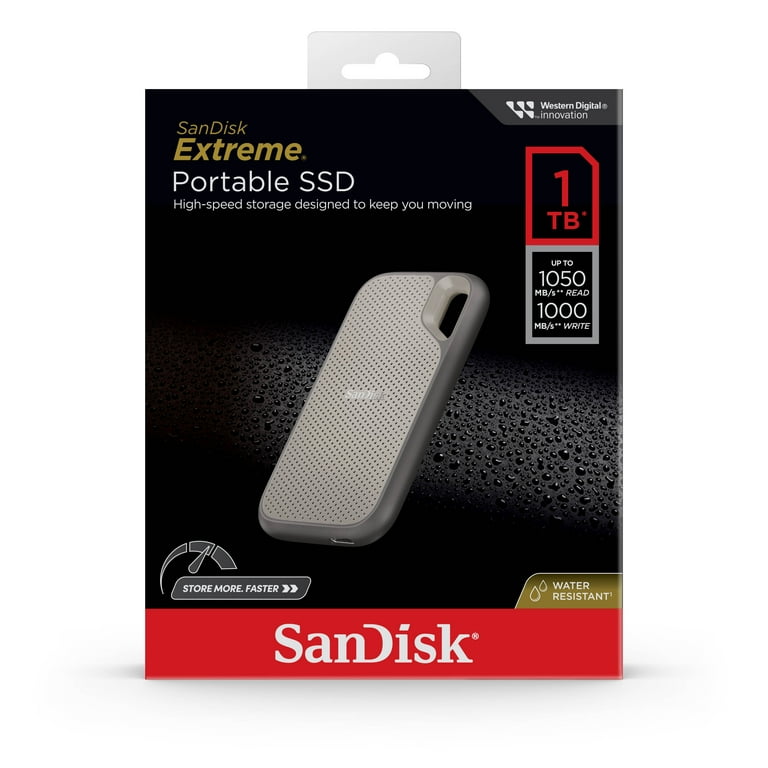
The SanDisk 1TB Portable SSD offers a strong balance between speed, durability, and price, making it a popular choice for professionals upgrading from HDDs.
Speed and Performance
With read speeds of up to 800MB/s, this SSD significantly reduces file opening and backup times. Large Excel files, Tally backups, and PDFs load almost instantly compared to HDDs.
For accountants handling multiple clients or frequent data transfers, this speed upgrade directly improves productivity.
Durability and Portability
The rugged design supports up to 2-meter drop protection, which is useful for professionals who travel with data or work from multiple locations.
Compatibility
It works with both Windows and Mac systems and includes a Type-C to Type-A cable, making it compatible with older desktops and modern laptops.
If you want fast performance without paying a premium price, you can Check Here / Buy Here to explore current offers.
Pros and Cons
Pros
- Very fast compared to HDDs
- Rugged and portable design
- Excellent value for money
- Suitable for live accounting work
Cons
- Slower than premium SSDs
- No hardware encryption
Samsung T7 1TB Portable SSD – Best Premium SSD for Accounting Workstations
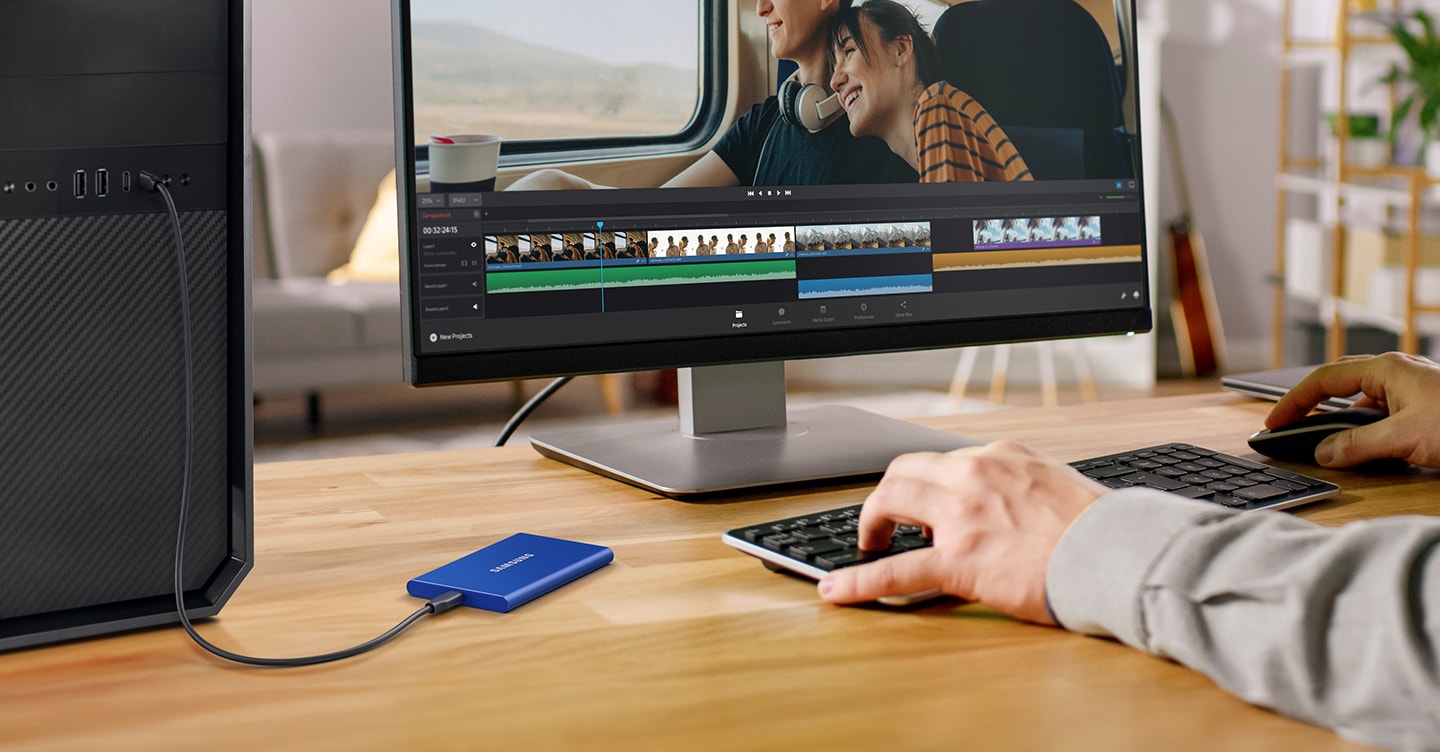
The Samsung T7 is designed for professionals who demand maximum speed and reliability from their storage devices.
High-Speed Performance
With read speeds of up to 1,050MB/s, this SSD is ideal for real-time accounting data, large Excel models, and frequent file transfers. It dramatically reduces waiting time during backups and restores.
Security and Reliability
Samsung T7 includes hardware-based password protection, adding an extra security layer for sensitive financial and client data. This is a major advantage for CA firms and consultants.
Build and Professional Use
The metal body ensures durability, and thermal management prevents overheating during heavy use.
For professionals building a high-performance accounting workstation, you can Check Here / Buy Here to see the latest pricing.
Pros and Cons
Pros
- Extremely fast data transfer speeds
- Strong build quality
- Hardware-level data security
- Ideal for professional workstations
Cons
- Higher price compared to other options
- Overkill for simple backup-only usage
Quick Comparison Table
| Storage Device | Best Suited For |
|---|---|
| Seagate Expansion HDD | Budget backups and data archiving |
| SanDisk Portable SSD | Fast daily accounting work at good value |
| Samsung T7 SSD | High-speed professional accounting workstations |
Final Recommendation: Which Storage Is Best for You?
The right storage choice depends on how you use your accounting workstation:
- Choose Seagate Expansion 1TB HDD if you want affordable and safe backups.
- Choose SanDisk 1TB Portable SSD if you need speed for daily accounting tasks without spending too much.
- Choose Samsung T7 1TB SSD if you want maximum speed, security, and long-term reliability.
For most accountants and MIS professionals, upgrading from HDD to SSD can improve workflow speed by 30–50%, especially during peak filing seasons.
Disclaimer
This article is for informational purposes only. Prices, specifications, and availability may change over time. Always verify product details before purchasing.
Some links in this article are affiliate links. If you purchase through these links, we may earn a small commission at no additional cost to you. This helps support our work while keeping the review honest and unbiased.