Category: Tools and Gadgets Recommendation

  • Best Gaming & Office Chairs in India (2025) – Green Soul, GTPLAYER, CELLBELL & More

    A good chair is just as important as a good desk setup. Whether you’re working long office hours or gaming late at night, an ergonomic chair with lumbar and neck support saves you from back pain and improves posture.

    Here are some of the best ergonomic gaming & office chairs in India (2025) under different budgets.


    🔹 1. Green Soul Monster Ultimate Series T – Ergonomic Gaming & Office Chair

    • Material: Spandex Fabric + PU Leather
    • Adjustments: 4D Armrests, Neck & Lumbar Pillows (Memory Foam)
    • Backrest: Recline 90°–180° + Rocking (15°)
    • Warranty: 3 Years | Free Installation
    • Best For: Professionals 5’8″ to 6’5″

    ✅ Why Buy?

    The Green Soul Monster Ultimate is a premium ergonomic chair combining breathable fabric with PU leather for comfort. It’s ideal for tall professionals/gamers who sit for long hours.

    👍 Pros

    • Premium breathable fabric (better than leather in heat)
    • Full recline up to 180°
    • Heavy-duty build, supports up to 120 kg
    • 4D armrests for max flexibility

    👎 Cons

    • Bulky, not suitable for compact rooms
    • Premium price compared to basic chairs

    💰 Price: ~₹18,990 (47% off)
    👉 Check Price on Amazon


    🔹 2. GTPLAYER Ergonomic Gaming & Computer Chair – Massage Cushion + Footrest

    • Material: PU Leather
    • Special Feature: USB-powered massage lumbar cushion
    • Adjustments: Footrest, Recline + Linkage Armrests
    • Warranty: 1 Year
    • Best For: Users 5’ to 5’10″, max weight 115 kg

    ✅ Why Buy?

    This chair offers full-body comfort with its footrest + massage lumbar pillow. If you work or game for 8+ hours daily, this is the best budget option.

    👍 Pros

    • Massage cushion for lower back relief
    • Retractable footrest for relaxation
    • Strong build with 115kg capacity
    • Affordable price for the features

    👎 Cons

    • Only 1-year warranty (less than Green Soul)
    • PU leather gets warm after long sitting

    💰 Price: ~₹10,999 (59% off)
    👉 Check Price on Amazon


    🔹 3. Green Soul Beast Racing Edition Ergonomic Chair

    • Material: PU Leather + Fabric
    • Adjustments: 3D Armrests, Recline, Removable Lumbar Support
    • Warranty: 3 Years | Free Installation
    • Best For: Medium height users (5’–5’10″), up to 120 kg

    ✅ Why Buy?

    The Green Soul Beast Racing Edition is a great mid-range option. It’s stylish, ergonomic, and durable — perfect for gamers and professionals under 5’10″.

    👍 Pros

    • High-quality PU leather + breathable fabric
    • Reclining & rocking functions
    • Removable lumbar pillow for customization
    • Strong metal frame

    👎 Cons

    • Not ideal for tall people above 6 ft
    • Limited seat width compared to Monster series

    💰 Price: ~₹15,090 (34% off)
    👉 Check Price on Amazon


    🔹 4. CELLBELL Transformer Lite Gaming Chair – Best Budget Pick

    • Material: PU Leatherette
    • Adjustments: 1D Armrests, Recline up to 135°
    • Warranty: 3 Years
    • Best For: Students, beginners, budget buyers

    ✅ Why Buy?

    The CELLBELL Transformer Lite is one of the best budget gaming chairs under ₹10,000. It has an ergonomic racing design, lumbar/shoulder support, and a tilt mechanism — perfect for beginners and students.

    👍 Pros

    • Affordable price
    • Recline with tilt lock up to 135°
    • Stylish gamer design
    • 3-year brand warranty

    👎 Cons

    • Basic 1D armrests
    • Cushioning not as premium as Green Soul

    💰 Price: ~₹9,997 (67% off)
    👉 Check Price on Amazon


    🏆 Which Chair Should You Buy?

    • Best Overall (Premium Comfort) → Green Soul Monster Ultimate Series T
    • Best Budget with Massage & Footrest → GTPLAYER Gaming Chair
    • Best Mid-Range with Strong Build → Green Soul Beast Racing Edition
    • Best Under ₹10,000 (Students/Starters) → CELLBELL Transformer Lite

    ✨ Final Thoughts

    If you spend long hours working or gaming, investing in a good ergonomic chair is worth it. Green Soul chairs are best for long-term durability, while GTPLAYER and CELLBELL are great budget-friendly picks.

    👉 Always check Amazon deals & EMI offers to get the best price!


  • Best Laptops under ₹50,000 for Office and Professional Work (2025)

    Buying a laptop is an investment—especially when it’s meant for office and professional work. Under ₹50,000, you can now find powerful thin-and-light laptops with Ryzen 5, Ryzen 7, and Intel Core i5 processors, backed by 16GB RAM and SSD storage.

    We’ve shortlisted the Top 5 Best Laptops under ₹50,000 in India (2025) for office use, presentations, online meetings, and productivity tasks.


    🔹 1. Dell Inspiron 3535 – AMD Ryzen 5, 16GB RAM, 512GB SSD

    • Display: 15.6″ FHD IPS, 120Hz Refresh Rate
    • Processor: AMD Ryzen 5-7530U (up to 4.5GHz, 6 Cores, 12 Threads)
    • RAM & Storage: 16GB DDR4 + 512GB SSD
    • Software: Windows 11 Home + MS Office 2024 (Lifetime)
    • Weight: 1.67 Kg | Thin & Light

    ✅ Why Buy This Laptop?

    Dell’s Inspiron 3535 is perfect for professionals who want a reliable brand, good build quality, and smooth multitasking. The 120Hz display makes scrolling and presentations smoother than standard 60Hz laptops.

    👍 Pros

    • Fast Ryzen 5 processor for everyday office tasks
    • 120Hz refresh rate for a better visual experience
    • Preloaded Windows 11 + MS Office 2024
    • Dell’s brand reliability & service network

    👎 Cons

    • No dedicated graphics (not for heavy gaming/designing)
    • Average brightness (250 nits) – not ideal for outdoor use

    💰 Price: ~₹48,322


    🔹 2. Lenovo V15 – AMD Ryzen 7 7730U, 16GB RAM, 512GB SSD

    • Display: 15.6″ FHD, Anti-Glare
    • Processor: Ryzen 7 7730U (8 Cores, up to 4.5GHz)
    • RAM & Storage: 16GB DDR4 + 512GB SSD
    • Battery: Up to 8.7 hours, Rapid Charge (80% in 1 hr)
    • Weight: 1.65 Kg

    ✅ Why Buy This Laptop?

    The Lenovo V15 packs an 8-core Ryzen 7 CPU, making it ideal for professionals handling Excel reporting, coding, and multitasking. It also supports rapid charging, which is useful for office travel.

    👍 Pros

    • Strong performance with Ryzen 7
    • Long battery life + Rapid Charge support
    • Anti-glare screen for long office hours
    • Lightweight (1.65 Kg)

    👎 Cons

    • No backlit keyboard (less ideal for night work)
    • Average build compared to premium models

    💰 Price: ~₹44,999


    🔹 3. ASUS Vivobook 14 – Intel Core 5 (13th Gen), 16GB RAM

    • Display: 14″ FHD, Anti-glare
    • Processor: Intel Core 5 120U (up to 5.0GHz, 10 Cores)
    • RAM & Storage: 16GB RAM + 512GB SSD
    • Special Features: Fingerprint Reader, Backlit Keyboard, 720p HD Camera with Privacy Shutter
    • Weight: 1.4 Kg | Ultra-light

    ✅ Why Buy This Laptop?

    The ASUS Vivobook 14 is a portable workhorse. At just 1.4 Kg, it’s one of the lightest laptops in this segment. Add to that, security features like a fingerprint sensor, making it a top pick for professionals who travel often.

    👍 Pros

    • Compact and lightweight design (great for travel)
    • Fingerprint login for extra security
    • Backlit keyboard + privacy shutter webcam
    • 13th Gen Intel processor with strong performance

    👎 Cons

    • Smaller screen (14″) – not ideal for heavy Excel users
    • Battery backup could be better

    💰 Price: ~₹47,990


    🔹 4. Acer Aspire Lite – Intel Core i5 13th Gen, 16GB RAM

    • Display: 15.6″ FHD, Slim Bezel
    • Processor: Intel Core i5-1334U (Turbo up to 4.5GHz)
    • RAM & Storage: 16GB DDR4 + 512GB SSD (expandable up to 1TB)
    • Build: Premium Metal Body
    • Weight: 1.59 Kg

    ✅ Why Buy This Laptop?

    The Acer Aspire Lite offers a premium design at an affordable price. With a metal chassis, 13th Gen Intel processor, and expandable SSD, it’s a great choice for professionals who want durability and speed without spending more.

    👍 Pros

    • Premium metal body design
    • Latest 13th Gen Intel Core i5
    • Expandable storage option
    • Slim and stylish

    👎 Cons

    • Battery life is average (5–6 hrs)
    • No backlit keyboard

    💰 Price: ~₹46,990


    🔹 5. Lenovo IdeaPad Slim 3 – AMD Ryzen 7 5700U

    • Display: 15.6″ FHD, 300 Nits Brightness, Anti-glare
    • Processor: Ryzen 7 5700U (8 Cores, up to 4.3GHz)
    • RAM & Storage: 16GB DDR4 + 512GB SSD
    • Software: Windows 11 + MS Office 2021
    • Weight: 1.65 Kg

    ✅ Why Buy This Laptop?

    This laptop is a perfect mix of performance + battery life. The Ryzen 7 ensures smooth multitasking, and Lenovo’s Rapid Charge feature makes it a practical choice for professionals working long hours.

    👍 Pros

    • Bright 300 nits display (better visibility indoors)
    • Ryzen 7 performance for power users
    • Rapid charging support (80% in 1 hr)
    • Lightweight & slim design

    👎 Cons

    • TN panel (less color-accurate than IPS)
    • No fingerprint reader

    💰 Price: ~₹49,990


    🏆 Which Laptop Should You Buy?

    • For balanced performance + Dell service → Dell Inspiron 3535
    • For power users & data-heavy tasks → Lenovo V15 (Ryzen 7)
    • For portability & travel → ASUS Vivobook 14
    • For stylish design & durability → Acer Aspire Lite
    • For long battery backup → Lenovo IdeaPad Slim 3

    ✨ Final Thoughts

    Finding the best laptop under ₹50,000 for office and professional work depends on your usage. If you’re a professional handling Excel, Power BI, reports, Zoom meetings, or coding, these laptops deliver top-notch performance without breaking the bank.

    👉 Pro Tip: Always check Amazon deals during Great Indian Festival, Prime Day, and seasonal sales — you might grab these laptops at even lower prices!


  • Best 22-Inch Monitors in India 2025 under 7000 – Work From Home & Online Setup Guide

    The demand for affordable monitors for work from home and online study setups has grown rapidly in India. Many professionals, students, and freelancers prefer a 22-inch monitor because it is compact, budget-friendly, and offers enough screen space for multitasking.

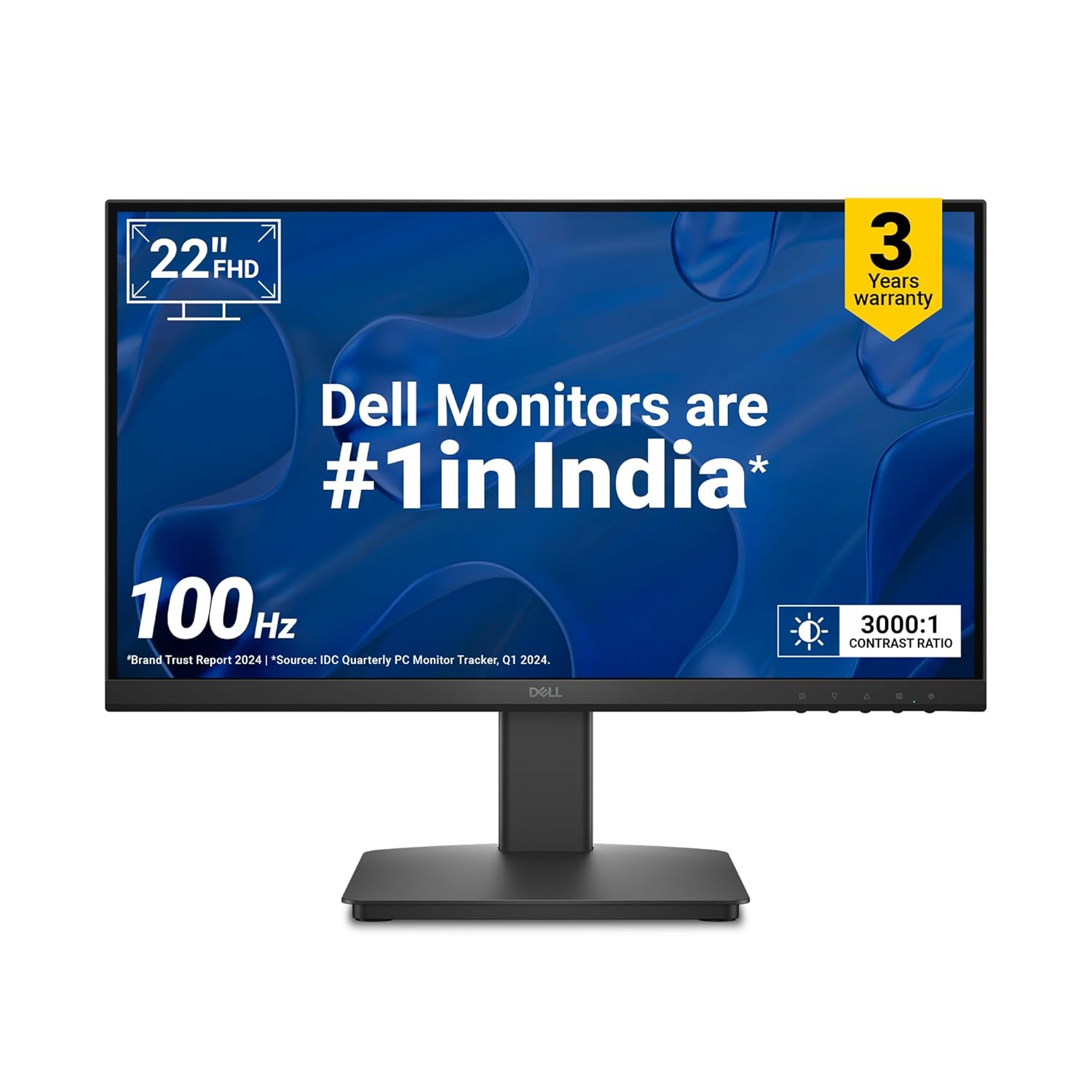
    In this guide, we compare the top 22-inch monitors in India (2025) from Acer, Dell, Samsung, Lenovo, and LG. These models come with Full HD resolution, eye-care technology, HDMI/VGA connectivity, and slim designs, making them perfect for online work, office productivity, and even light gaming.


    🔹 Why a 22-Inch Monitor is Best for Work From Home

    • ✅ Compact & Space-Saving – Perfect for small desks or study rooms.
    • ✅ Full HD Clarity – 1920×1080 resolution ensures crisp text and sharp images for Excel, Word, coding, Zoom calls, and browsing.
    • ✅ Budget-Friendly – All options listed here are under ₹7,000.
    • ✅ Work + Entertainment Balance – Smooth performance for both productivity and streaming movies.
    • ✅ Eye-Care Features – Blue light filter and flicker-free technology reduce strain during long working hours.

    🖥 Top 22-Inch Monitors in India (2025) – Detailed Comparison

    1️⃣ Acer EK220Q 21.5″ Full HD Monitor – Best Value for Money

    💰 Price: ₹5,695 (approx.)

    • 100Hz refresh rate for smooth visuals
    • 1ms response time + AMD FreeSync (great for Excel, browsing, and casual gaming)
    • Comes with HDMI cable in the box
    • Matte screen reduces glare

    👉 Why Buy? Perfect for students, freelancers, and beginners who need a budget monitor for daily online work and classes.


    2️⃣ Dell SE2225HM 21.5″ Monitor – Best for Eye Comfort

    💰 Price: ₹6,599 (approx.)

    • TÜV Rheinland 3-Star Eye Comfort Certified
    • Ultra-thin bezels, ideal for dual-monitor setups
    • Sharp text clarity, excellent for reports, presentations, and coding
    • Energy-efficient and durable build

    👉 Why Buy? A great choice for professionals who work long hours on spreadsheets, MIS reporting, or content writing.


    3️⃣ Samsung S3 22″ Slim IPS Monitor – Best Design & Color Quality

    💰 Price: ₹6,799 (approx.)

    • Slim, bezel-less IPS panel – wide viewing angles
    • Eye Saver Mode + Flicker-Free technology
    • Vibrant colors – ideal for creative professionals, designers, and students
    • Sleek and modern look, enhances home office setup

    👉 Why Buy? Perfect if you want a stylish monitor for both work & entertainment (Netflix, YouTube, OTT).


    4️⃣ Lenovo L22e-40 21.5″ Monitor – Best for Productivity & Multitasking

    💰 Price: ₹6,499 (approx.)

    • Lenovo Artery Software for split screen & multitasking
    • Full HD clarity with minimal bezels
    • Robust design for long usage
    • Supports HDMI & VGA input for laptops/desktops

    👉 Why Buy? Ideal for remote workers and students who need multitasking features for video calls + study material.


    5️⃣ LG 22MR410 21.5″ Monitor – Best All-Rounder

    💰 Price: ₹6,199 (approx.)

    • Reader Mode + Flicker Safe technology
    • Borderless design – modern and professional look
    • 3-Year LG warranty (peace of mind)
    • Great for office + online study combo

    👉 Why Buy? The most balanced monitor for both students and professionals who want reliability and brand trust.


    📊 Quick Comparison Table

    Monitor ModelResolutionRefresh RateKey FeatureBest ForPrice (₹)
    Acer EK220QFull HD100HzFreeSync + 1msStudents & Beginners5,695
    Dell SE2225HMFull HD100HzEye Comfort CertifiedLong-hour workers6,599
    Samsung S3 22″Full HD100HzSlim IPS DesignWork + Entertainment6,799
    Lenovo L22e-40Full HD100HzArtery SoftwareMultitasking users6,499
    LG 22MR410Full HD100HzReader ModeStudents + Professionals6,199

    🏆 Final Verdict – Which Monitor Should You Buy in 2025?

    • Best Budget Pick – Acer EK220Q
    • Best Eye Protection – Dell SE2225HM
    • Best for Sleek Design & Streaming – Samsung S3 22″
    • Best for Productivity – Lenovo L22e-40
    • Best All-Rounder – LG 22MR410

    If you are setting up a work-from-home office, online study desk, or freelancer workstation, these monitors give you the perfect balance of clarity, comfort, and value.


  • Best Computer Table for Online Study and Work from Home Under ₹7000 in India

    With the rise of online study, remote work, and work-from-home (WFH) setups, having a durable, comfortable, and stylish computer table is no longer a luxury—it’s a necessity. A good study or office desk not only helps you stay organized but also improves posture, focus, and productivity.

    If you’re searching for the best computer tables under ₹7000 in India, we’ve shortlisted top picks from trusted brands like Wakefit, Green Soul, Furlay, QARA, and more. These desks balance functionality, durability, affordability, and design—perfect for students, professionals, and home offices.


    🪑 Best Computer Tables Under ₹7000

    1. Wakefit Nayena Study Table – Affordable & Functional

    • Price: ₹3,649
    • Material: Engineered Wood
    • Key Features:
      • Compact & ergonomic design
      • Smart storage with cabinet
      • Easy maintenance
      • 1-year warranty

    💡 Perfect for students or professionals looking for a minimal, budget-friendly work desk.


    2. Green Soul Venue Study & Office Table – Premium Storage

    • Price: ₹6,990
    • Material: Engineered Wood (15mm particle board)
    • Key Features:
      • 1 drawer, 1 cabinet, 1 open shelf
      • Large workspace with 65 kg capacity
      • Rich Rolex Brown finish
      • 3-year warranty

    💡 Ideal for professionals needing extra storage for books, files, and gadgets.


    3. Furlay Ark Office Desk – Strong & Modern Design

    • Price: ₹3,599
    • Material: Engineered Wood + Metal Frame
    • Key Features:
      • 150 kg total load capacity
      • Sleek oak finish with a sturdy build
      • Easy DIY assembly & disassembly
      • 1-year warranty

    💡 Best for long-term durability with a modern touch for home offices.


    4. QARA Laminated Study Table – Sturdy & Compact

    • Price: ₹3,099
    • Material: Metal frame + Laminated wood top
    • Key Features:
      • Stable, wobble-free design
      • Adjustable feet for balance
      • Easy assembly with minimal tools
      • Compact 36″ x 24″ surface for laptops & writing

    💡 Perfect for small rooms, hostels, or compact WFH setups.


    5. Green Soul Vermont Study Table – Spacious & Stylish

    • Price: ₹6,290
    • Material: Engineered Wood
    • Key Features:
      • Wide surface top with 4 shelves
      • 80 kg load capacity
      • Premium walnut & white finish
      • Free installation service
      • 3-year warranty

    💡 Great choice for those who want elegance with functionality in one package.


    ✅ Conclusion

    When it comes to budget-friendly study and office desks under ₹7000, these options strike the perfect balance between style, durability, and utility.

    • If you’re on a tight budget, go for QARA or Wakefit.
    • If you need premium storage, Green Soul Venue is a winner.
    • If you want a modern metal-wood combo, pick Furlay.
    • For a stylish, large setup, Green Soul Vermont stands out.

    👉 Choose the one that fits your space, style, and storage needs—and transform your WFH or study area into a productivity powerhouse!

  • Best Printers for Office & Student Use under ₹6,500 (2025)

    Whether you are a student needing assignments and projects or a professional working from home, an all-in-one printer (print/scan/copy) is a must-have. Below are the top 3 affordable Wi-Fi printers under ₹6,500 available on Amazon, ideal for both office and student use.


    1️⃣ HP Ink Advantage 2878 WiFi Colour Printer

    ⭐ Rating: 3.7/5 (2,700+ reviews)
    💰 Price: ~₹6,299

    Key Features:

    • All-in-one (Print, Scan, Copy)
    • Wi-Fi + USB connectivity
    • Speed: 7.5 ppm (black), 5.5 ppm (colour)
    • Supports A4, A5, B5, DL envelope
    • Mobile printing with HP Smart App
    • Dual-band Wi-Fi with auto-reset
    • 1-year on-site warranty

    💡 Best For: Students & small home offices needing simple, affordable Wi-Fi printing.


    2️⃣ Canon Pixma E477 All-in-One Wireless Ink Efficient Printer

    ⭐ Rating: 3.8/5 (11,700+ reviews)
    💰 Price: ~₹5,299

    Key Features:

    • All-in-one (Print, Scan, Copy)
    • Connectivity: Wi-Fi, USB, Google Cloud Print, Canon SELPHY App
    • Speed: 8 ppm (black), 4 ppm (colour)
    • Print Resolution: 4800×600 dpi
    • Compatible with low-cost PG47 (black) & CL57 (colour) cartridges
    • 1-year warranty

    💡 Best For: Students & households looking for a low running-cost printer with wireless printing.


    3️⃣ HP Ink Advantage Ultra 4826 Wi-Fi Printer (New Model)

    ⭐ Rating: 4.1/5 (1,200+ reviews)
    💰 Price: ~₹6,052

    Key Features:

    • All-in-one (Print, Scan, Copy)
    • Dual-band Wi-Fi + USB 2.0
    • Print speed: 7.5 ppm (black), 5.5 ppm (colour)
    • Includes 2 sets of cartridges in the box (up to 1300 pages black, 700 colour)
    • Easy setup with HP Smart App
    • Simple LCD & control panel buttons
    • Supports Windows, macOS, Chrome OS

    💡 Best For: Families & students needing longer ink life + reliability at an affordable cost.


    ✅ Final Recommendation

    • Best Budget Pick (Lowest Price): Canon Pixma E477
    • Best Value for Students: HP Ink Advantage 2878
    • Best Long-Term Savings: HP Ink Advantage Ultra 4826 (with extra cartridges)

  • Top 3 Budget Tablets for Students Under ₹10,000 (2025)

    If you are a student looking for an affordable yet powerful tablet for online classes, studying, and entertainment, here are the Top 3 Best Tablets under ₹10,000 available on Amazon. All three support everyday learning needs like eBooks, YouTube, Zoom, MS Office, and light gaming.


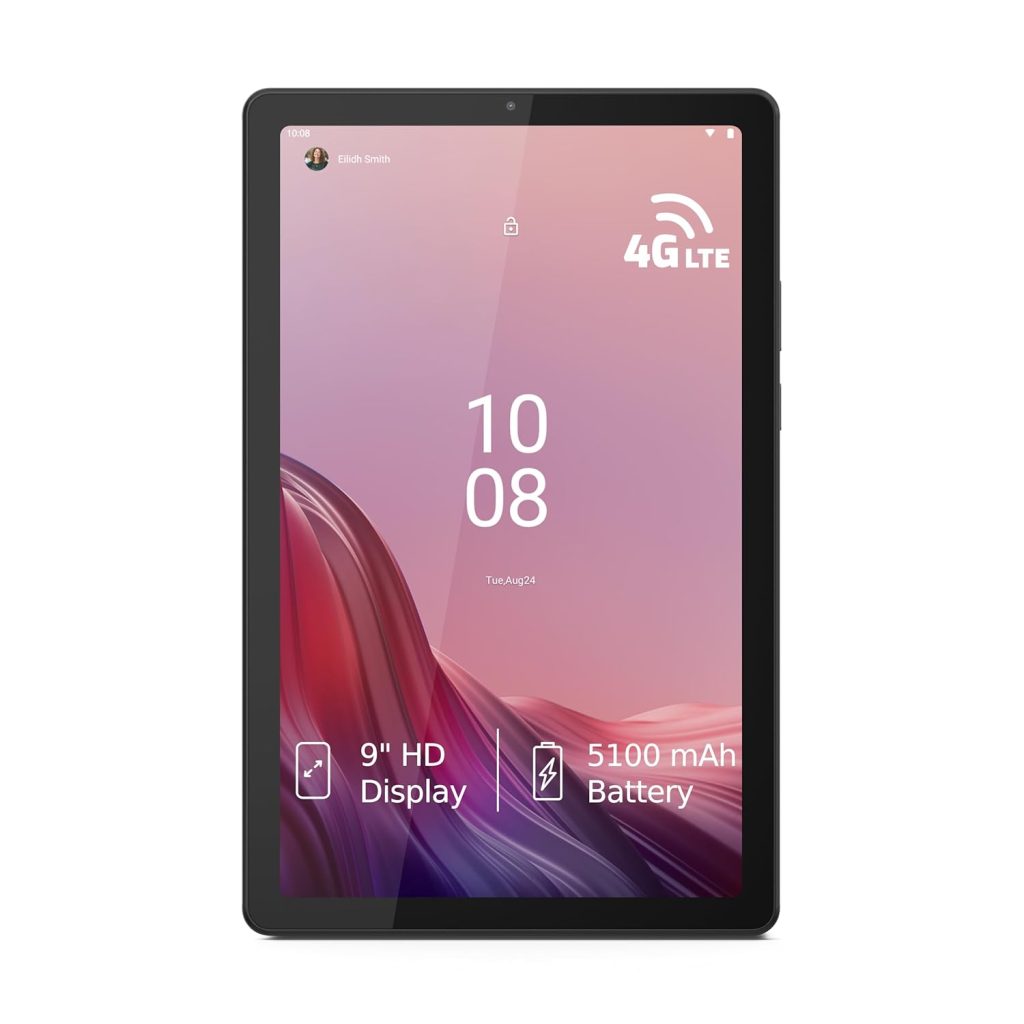
    ⭐ 1. Lenovo Tab M9 (WiFi+4G)

    • Display: 9-inch HD IPS (1340×800) | 400 nits brightness
    • Performance: MediaTek Helio G80 octa-core | Android 12
    • Memory & Storage: 4GB RAM | 64GB ROM (expandable up to 128GB)
    • Battery: 5100 mAh | 13 hours video playback
    • Audio: Dual speakers with Dolby Atmos
    • Weight: Just 344g (very lightweight for students)

    💡 Why choose? Great for eBooks, video lectures, and note-taking. Slim, light, and student-friendly.

    💰 Price: ~₹9,149 (54% off)


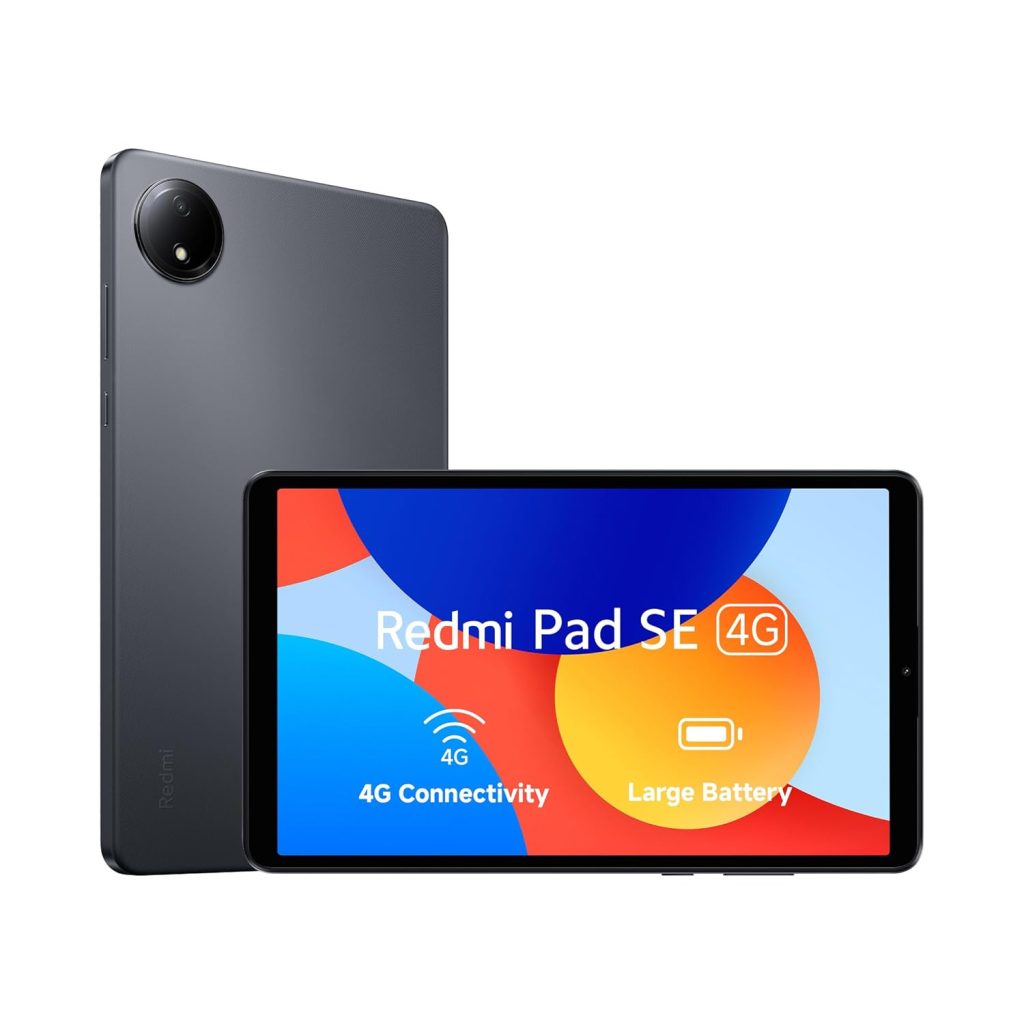
    ⭐ 2. Redmi Pad SE 4G (2025 Model)

    • Display: 8.7-inch (1340×800) | 90Hz smooth refresh rate | 1 Billion colours
    • Performance: MediaTek Helio G55 | Android 14 (latest OS)
    • Memory & Storage: 4GB RAM | 64GB ROM
    • Battery: Huge 6650 mAh | All-day battery backup
    • Audio: Dual speakers with Dolby Atmos

    💡 Why choose? Smooth display (90Hz) makes reading & online classes easier. Latest Android 14 OS ensures long-term support.

    💰 Price: ~₹9,898


    ⭐ 3. Lenovo Tab M10 HD (2nd Gen, WiFi+LTE)

    • Display: 10.1-inch HD IPS | 400 nits brightness
    • Performance: MediaTek Helio P22T octa-core | Android 10
    • Memory & Storage: 4GB RAM | 64GB ROM (expandable up to 256GB)
    • Battery: 5000 mAh | 8MP Rear + 5MP Front Camera
    • Build: Metallic body, premium look

    💡 Why choose? Bigger screen for reading PDFs, Excel/Word, and online study. LTE calling support is a plus for students.

    💰 Price: ~₹9,645 (68% off)


    ✅ Final Recommendation:

    • Best for Portability & Style: Lenovo Tab M9
    • Best for Performance & Future Proofing: Redmi Pad SE (Android 14 + 90Hz display)
    • Best for Big Screen & Online Classes: Lenovo Tab M10 HD

  • Best All-in-One Desktop PCs Under ₹35,000 for Accounting & GST Work in 2025

    If you’re an accountant, business owner, or GST practitioner, you know the importance of having a reliable desktop that can handle TallyPrime, Busy Accounting, Excel, GST filing portals, and everyday office applications smoothly.

    The good news? You don’t need to spend ₹50,000+ on a high-end machine. Today, some of the best All-in-One (AIO) desktops under ₹35,000 come with Intel’s latest N-series processors, 8GB RAM, 512GB SSD storage, Windows 11, and pre-installed MS Office, making them perfect for accounting, GST returns, and business productivity apps.

    Let’s compare some of the top models available on Amazon India right now 👇


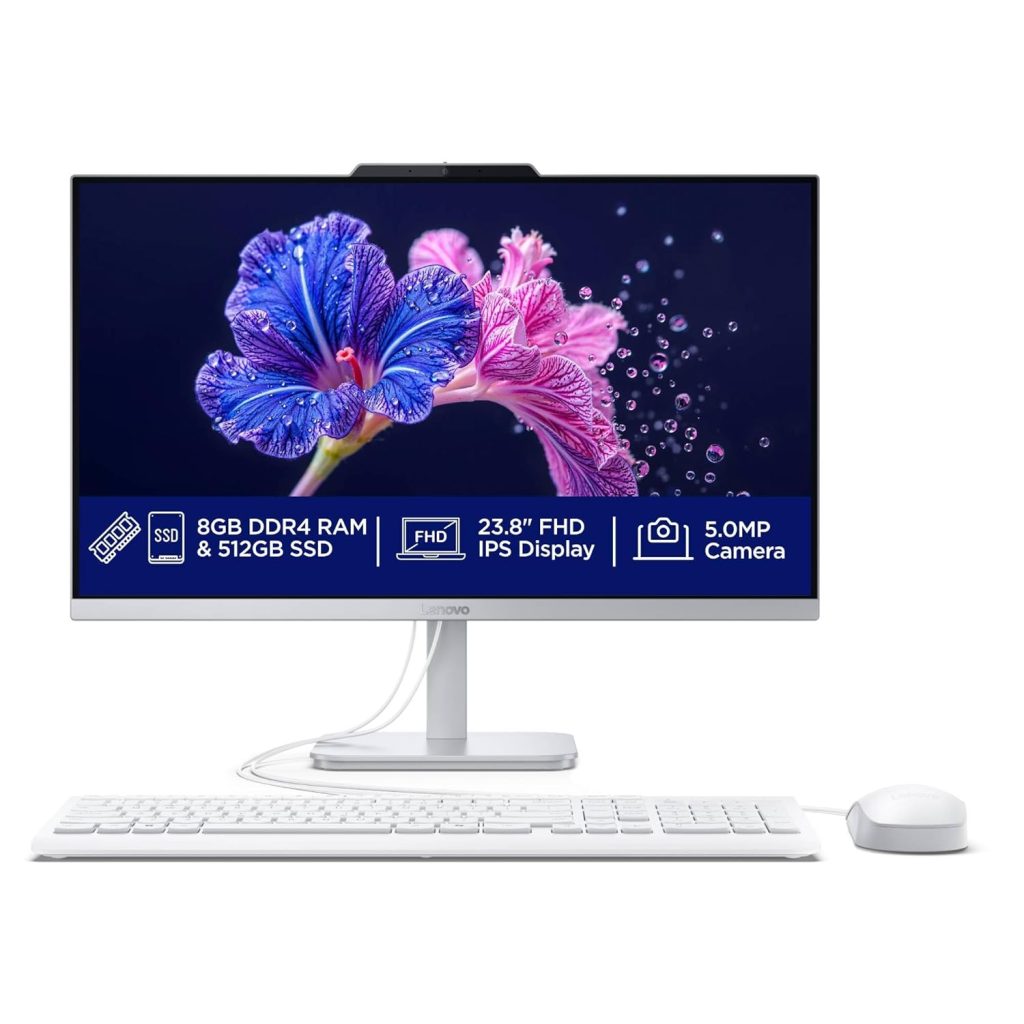
    1️⃣ Lenovo A100 All-in-One (Intel N100, 23.8″)

    🔗 Check on Amazon

    • Display: 23.8″ FHD IPS, Anti-glare, 3-side edgeless design
    • Processor: Intel N100 (3.4 GHz, 4 Cores, 6MB Cache)
    • RAM & Storage: 8GB DDR4 (Expandable to 16GB) + 512GB SSD
    • OS & Software: Windows 11 Home + MS Office 2024
    • Extras: 5MP Webcam, USB Calliope Keyboard & Mouse

    👉 Why it’s great for accounting?

    • Large 23.8-inch Full HD display is excellent for Tally & Excel multitasking.
    • Reliable performance for GST portal, filing software, and office work.
    • Expandable RAM for future-proofing.
    • Sleek design, perfect for professional workspace.

    💡 Best for: Accounting firms and professionals who want bigger display & camera for video calls with clients.


    2️⃣ HP All-in-One Desktop (Intel N100, 21.45″)

    🔗 Check on Amazon

    • Display: 21.45″ FHD VA, 250 nits, 99% sRGB
    • Processor: Intel N100 (Turbo up to 3.4 GHz, 4 Cores, 6MB Cache)
    • RAM & Storage: 8GB DDR5 + 512GB SSD
    • OS & Software: Windows 11 Home, Wired Keyboard & Mouse
    • Extras: HP True Vision 720p Camera, Wi-Fi 6, Dual Array Mics

    👉 Why it’s great for accounting?

    • DDR5 RAM is faster than DDR4 — smoother multitasking.
    • Strong connectivity with Wi-Fi 6 and multiple USB ports.
    • Slim & stylish HP design, easy fit for small offices.

    💡 Best for: Small businesses that need value + performance at an affordable price.


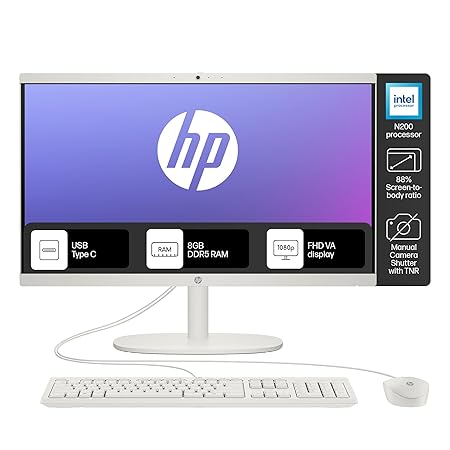
    3️⃣ HP All-in-One (Intel N200, 21.45″)

    🔗 Check on Amazon

    • Processor: Intel N200 (Newer than N100, 3.7 GHz Max, 6MB Cache)
    • RAM & Storage: 8GB DDR5 + 512GB SSD
    • Display: 21.45″ FHD Micro-edge, Anti-glare
    • Camera & Audio: 720p HD with privacy shutter + Dual Speakers
    • Connectivity: Wi-Fi 6, Bluetooth 5.3, USB-C + multiple USB-A ports

    👉 Why it’s great for accounting?

    • Newer & faster Intel N200 processor = smoother performance in GST portal, Excel, Tally.
    • Privacy shutter on webcam for security-conscious professionals.
    • Better speakers & display for longer work sessions.

    💡 Best for: Professionals who want latest-gen processor + conferencing features.


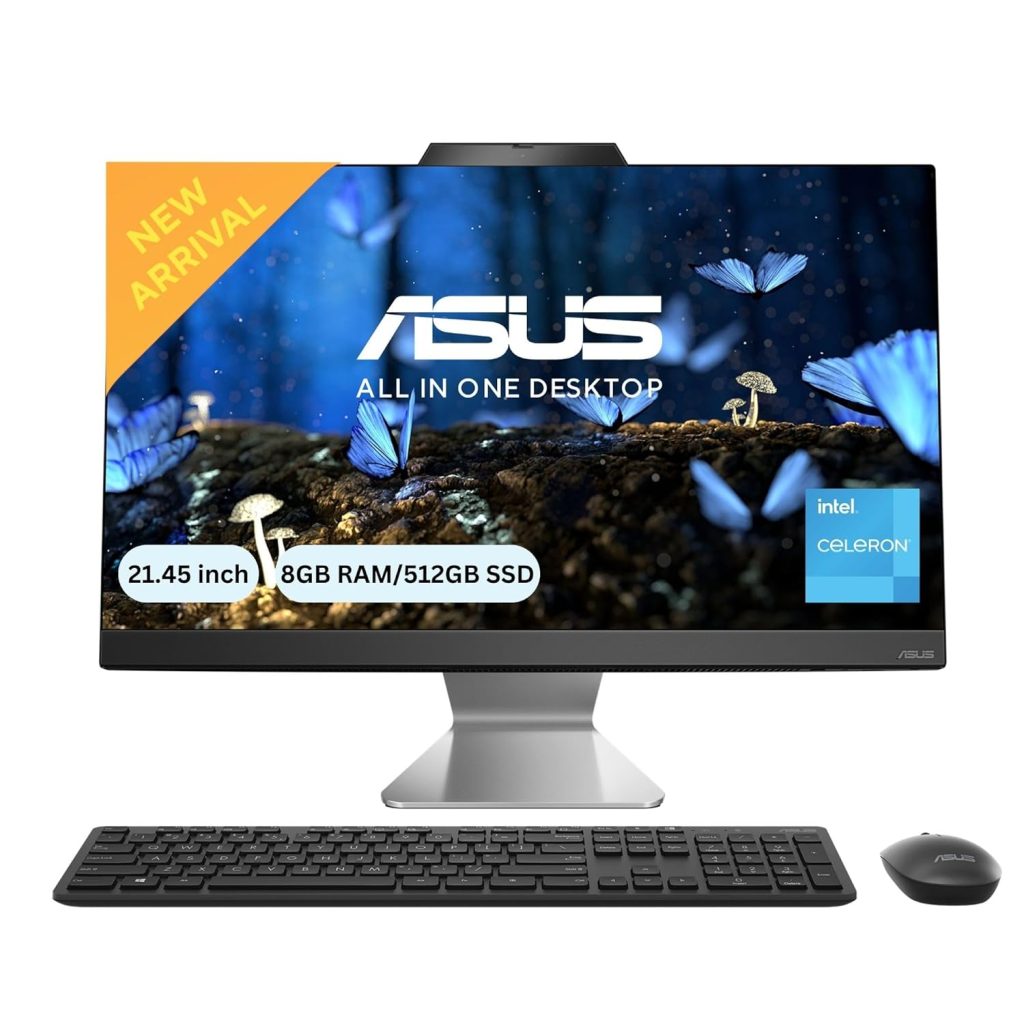
    4️⃣ ASUS AIO A3202 (Intel Celeron 7305, 21.45″)

    🔗 Check on Amazon

    • Processor: Intel Celeron 7305 (5 cores, 1.1 GHz Base, 8MB Cache)
    • RAM & Storage: 8GB DDR4 + 512GB NVMe SSD
    • Display: 21.45″ FHD, 250 nits
    • OS & Software: Windows 11 Home + Office 2024 + MS 365 Basic (1 Year Cloud)
    • Extras: Wi-Fi 6, HDMI out, Wireless Keyboard & Mouse

    👉 Why it’s great for accounting?

    • Comes with both Office 2024 (lifetime) and Office 365 cloud.
    • ASUS build quality, sleek design.
    • Good set of ports for connectivity.

    💡 Best for: Users who want Office suite + cloud storage bundle included.


    🔥 Our Recommendation – Best Pick for Accounting & GST Work

    After comparing, here’s the verdict 👇

    ✅ If you want best display + professional look → Lenovo A100 (23.8″).
    ✅ If you want latest-gen processor + DDR5 RAM → HP All-in-One N200 (21.45″).
    ✅ If you want cloud + bundled Office → ASUS AIO A3202.

    🏆 Overall Best Choice (Value + Performance): HP All-in-One with Intel N200 (₹32,990)

    • Newer N200 processor (better than N100).
    • DDR5 RAM ensures smooth multitasking in accounting apps.
    • Privacy shutter & better connectivity for client meetings.
    • Under ₹35,000, it strikes the best balance of speed, features, and reliability.

    👉 Check HP All-in-One N200 on Amazon


    ✨ Final Words

    For Accounting, Tally, Excel, and GST filing, you don’t need a high-end workstation. Any of these All-in-One desktops under ₹35,000 will give you smooth, reliable performance for years.

    But if you want the best balance of future-proofing, performance, and professional features, go for the HP All-in-One with Intel N200. It’s the perfect machine for accountants and business owners in 2025.


  • Top 3 Smartphones for Professionals Under ₹30,000 – Best Value in 2025

    Are you looking for a powerful, stylish, and future-ready smartphone under ₹30,000? In 2025, the mid-range smartphone market is more competitive than ever, and professionals now have flagship-level features at affordable prices. After careful research, here are the Top 3 Smartphones for Professionals Under ₹30,000 that balance performance, design, battery, and camera perfectly.


    1. Samsung Galaxy A55 5G (Awesome Navy, 8GB RAM, 256GB Storage)

    ➡️ Buy on Amazon – Samsung Galaxy A55 5G

    Price: ₹28,999 (MRP ₹45,999)

    Why Professionals Will Love It:

    • Premium Design: Metal frame, Gorilla Glass Victus+, and IP67 water/dust resistance.
    • Super AMOLED Display: 6.6” FHD+ with 120Hz refresh rate and Vision Booster for outdoor clarity.
    • AI Enhancements: Circle to Search, Object Eraser, AI photo editing.
    • Battery Life: Massive 5000mAh with 25W fast charging, lasting up to 2 days.
    • Software & Security: 4 OS upgrades, Samsung Knox defense-grade security, Samsung Wallet.
    • Performance: Exynos 1480 with vapor chamber cooling – smooth multitasking and no heating.

    Best For: Professionals who value premium build, security, long software support, and balanced performance without spending on a flagship.

    ⭐ Top Review: “Possibly the best VFM phone from Samsung right now. Balanced in every way – display, battery, performance, and build.”


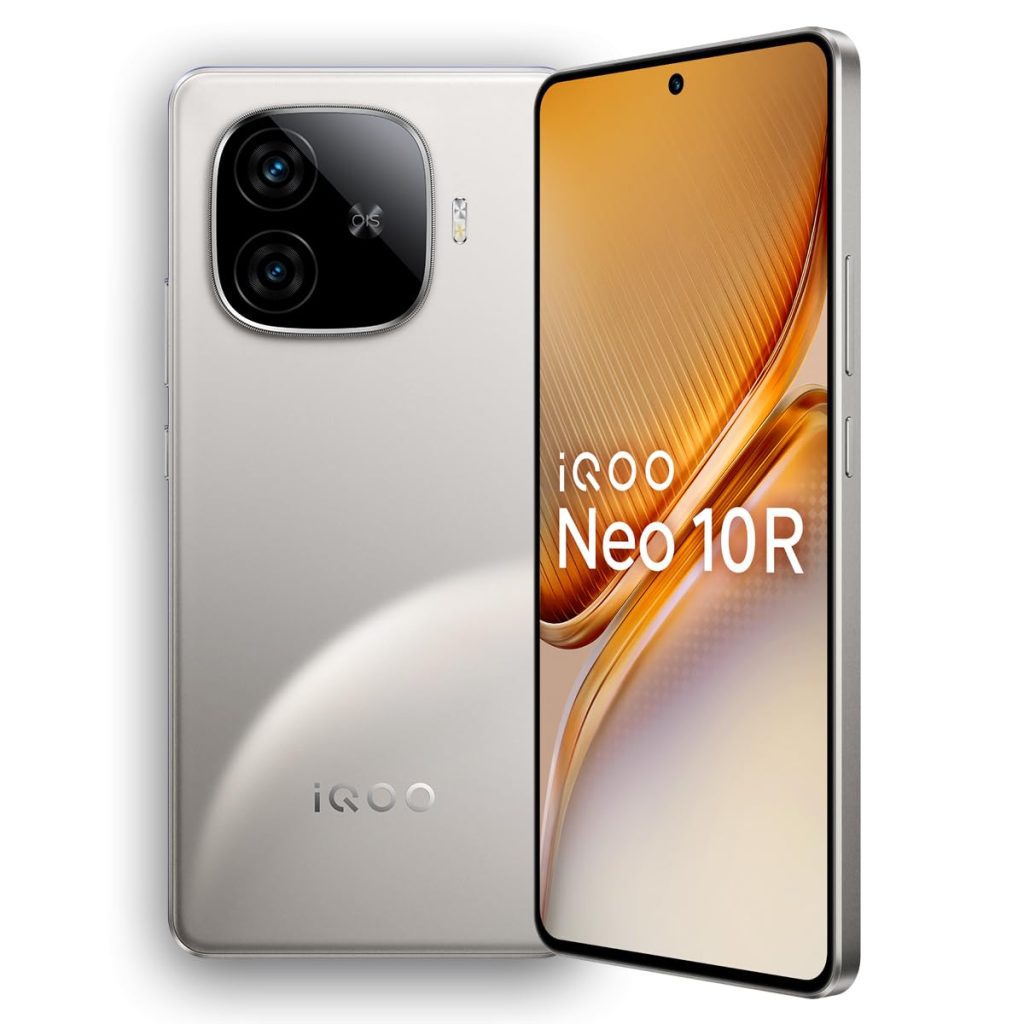
    2. iQOO Neo 10R 5G (Moonknight Titanium, 8GB RAM, 128GB Storage)

    ➡️ Buy on Amazon – iQOO Neo 10R 5G

    Price: ₹26,999 (MRP ₹31,999)

    Why Professionals Will Love It:

    • Flagship Processor: Snapdragon 8s Gen 3 with LPDDR5X RAM & UFS 4.1 (256GB variant).
    • Gaming Beast: Stable 90fps gaming, 2000Hz touch sampling, vapor chamber cooling.
    • Ultra-Slim Battery Phone: 6400mAh with 80W fast charging – slim yet long-lasting.
    • Camera Setup: 50MP Sony IMX882 OIS portrait + 8MP ultra-wide, 32MP selfie with 4K video.
    • AI Features: Instant Cut-out, AI Note Assist, AI Translation, AI Photo Enhance.
    • Software: Funtouch OS 15 (Android 15) with 3 years of Android & 4 years of security updates.

    Best For: Professionals who need top performance, gaming power, and long battery life – perfect for those balancing work and entertainment.

    ⭐ Top Review: “Outstanding performance, amazing display, and strong battery backup. Perfect all-rounder under 27k.”


    3. OnePlus Nord 4 5G (Oasis Green, 8GB RAM, 256GB Storage)

    ➡️ Buy on Amazon – OnePlus Nord 4 5G

    Price: ₹27,999 (MRP ₹32,999)

    Why Professionals Will Love It:

    • Metal Unibody Design: Premium durability with TÜV SÜD rating.
    • Display: 6.74” AMOLED 120Hz with HDR10+ support – excellent for reading, streaming, and multitasking.
    • AI Productivity Tools: AI Best Face, AI Eraser, AI Summaries, AI Smart Cutout.
    • Battery & Charging: Huge 5500mAh battery with 100W SuperVOOC charging – full charge in ~28 mins.
    • Performance: Snapdragon 7+ Gen 3 with LPDDR5X RAM, smooth multitasking and moderate gaming.
    • Software: OxygenOS – clean, bloat-free, with 4 years of OS & 6 years of security updates.

    Best For: Professionals who want a sleek design, long battery life, and productivity-focused AI tools in a clean OxygenOS experience.

    ⭐ Top Review: “Balanced performance, excellent build, and ultra-fast charging. A true professional’s phone.”


    📌 Final Verdict: Which One Should You Buy?

    • If you want premium design, long updates, and security: Go for Samsung Galaxy A55 5G.
    • If you want raw power, gaming stability, and ultra-slim design: Choose iQOO Neo 10R 5G.
    • If you want fast charging, AI productivity, and a clean software experience: Pick OnePlus Nord 4 5G.

    👉 All three are fantastic professional smartphones under ₹30,000 – it just depends on whether your priority is design & security, performance & gaming, or productivity & speed.

    ⚡ Don’t wait too long – these deals may not last! Click the links below and grab your professional companion today:

  • Apple 2025 MacBook Air vs Apple 2024 MacBook Pro – Which One Should You Buy?

    If you’re planning to buy a new MacBook in 2025, you’re probably torn between the ultra-portable MacBook Air (M4, 2025) and the powerhouse MacBook Pro (M4, 2024).
    Both machines are packed with Apple’s latest M4 chip, support Apple Intelligence, and deliver incredible battery life — but they’re made for different kinds of users.

    In this guide, we’ll compare the two models in detail so you can choose the one that’s perfect for you.


    1. Quick Specs Overview

    FeatureMacBook Air (13″, M4, 2025)MacBook Pro (14″, M4, 2024)
    Price₹92,900 (256GB, 16GB RAM)₹1,62,990 (512GB, 16GB RAM)
    ProcessorApple M4 chip, 10-core CPU, 8-core GPUApple M4 chip, 10-core CPU, 10-core GPU
    Display13.6″ Liquid Retina, 1B colours14.2″ Liquid Retina XDR, 1,600 nits peak brightness
    Memory16GB Unified Memory (Upgradable to 24GB)16GB Unified Memory (Upgradable to 32GB)
    Storage256GB or 512GB SSD512GB or 1TB SSD
    Battery LifeUp to 18 hoursAll-day (up to ~18 hours)
    Weight~1.24 kg~1.6 kg
    Ports2× Thunderbolt 4, MagSafe, 3.5mm jack3× Thunderbolt 4, HDMI, SDXC card slot, MagSafe, 3.5mm jack
    Colour OptionsSky Blue, Midnight, Silver, StarlightSilver, Space Grey
    Price LinkBuy Now on AmazonBuy Now on Amazon

    2. Performance – Who Wins?

    Both laptops feature the Apple M4 chip, but the Pro model edges ahead with a 10-core GPU compared to the 8-core GPU in the Air.
    This extra GPU power makes the MacBook Pro more suitable for:

    • 4K video editing
    • 3D rendering
    • Pro-level photography workflows
    • High-end music production

    If your work involves heavy graphics or multitasking with professional apps, the Pro will save you time.

    The MacBook Air still packs serious performance for everyday users — you can run Microsoft 365, Google Workspace, Adobe Photoshop, and Final Cut Pro without breaking a sweat. But if you’re into ProRes editing or complex 3D projects, the Pro is the safer bet.


    3. Display – Brightness vs Portability

    • MacBook Air: 13.6″ Liquid Retina with support for 1 billion colours. Perfect for everyday productivity, entertainment, and photo editing.
    • MacBook Pro: 14.2″ Liquid Retina XDR with up to 1,600 nits peak brightness. This is a professional-grade display ideal for HDR video editing and colour-critical work.

    If you work outdoors or in bright environments, the Pro’s extra brightness will make a visible difference.


    4. Battery Life – Surprisingly Close

    Apple claims up to 18 hours on both machines — and in real-world use, both are excellent.
    However:

    • The Air is more power-efficient because it’s fanless and lighter.
    • The Pro delivers sustained performance under heavy load, thanks to its active cooling system.

    So if you’re running intensive apps on battery, the Pro maintains speed longer.


    5. Port Selection – Creator’s Advantage

    • MacBook Air: 2× Thunderbolt 4, MagSafe charging port, headphone jack.
    • MacBook Pro: 3× Thunderbolt 4, HDMI, SDXC card reader, MagSafe, headphone jack.

    If you often connect cameras, external monitors, or memory cards, the Pro’s extra ports save you from carrying dongles.


    6. Portability – The Air’s Winning Card

    • MacBook Air: ~1.24 kg – perfect for students, writers, travellers, and anyone on the go.
    • MacBook Pro: ~1.6 kg – still portable, but noticeably heavier in a backpack.

    If you’re a frequent traveller or use your laptop on your lap often, the Air feels more effortless.


    7. Price – Big Gap, Big Decision

    • MacBook Air (M4) – ₹92,900 (16GB / 256GB)
      ➡ Best value for students, professionals, and casual creators.
      Check Price on Amazon
    • MacBook Pro (M4) – ₹1,62,990 (16GB / 512GB)
      ➡ Best for professionals in video, design, coding, and 3D work.
      Check Price on Amazon

    8. Which One Should You Buy?

    ✅ Choose the MacBook Air (M4, 2025) if:

    • You want maximum portability and great battery life.
    • Your work is mostly office apps, browsing, video calls, and light creative work.
    • You want the latest Mac experience at the best price.

    ✅ Choose the MacBook Pro (M4, 2024) if:

    • You work with video editing, music production, coding, or graphic design.
    • You need extra ports and a brighter, HDR-ready display.
    • You’re okay with paying more for pro-level performance.

    💡 Final Verdict:

    If you’re a student, business professional, or casual creative, the MacBook Air (M4) is unbeatable in value and portability.
    If you’re a creative professional or developer who pushes hardware to its limits, the MacBook Pro (M4) will pay for itself in saved time and better workflow.


  • Best Android Laptops and Chromebooks Under ₹20,000 in India 2025 – Complete Guide

    In 2025, the budget laptop market in India is hotter than ever, with affordable Android-based laptops and Chromebooks delivering solid performance for students, online learners, and casual users.
    If you’re tired of bulky Windows machines or just need a lightweight device for browsing, documents, and online classes, these devices are worth a look.

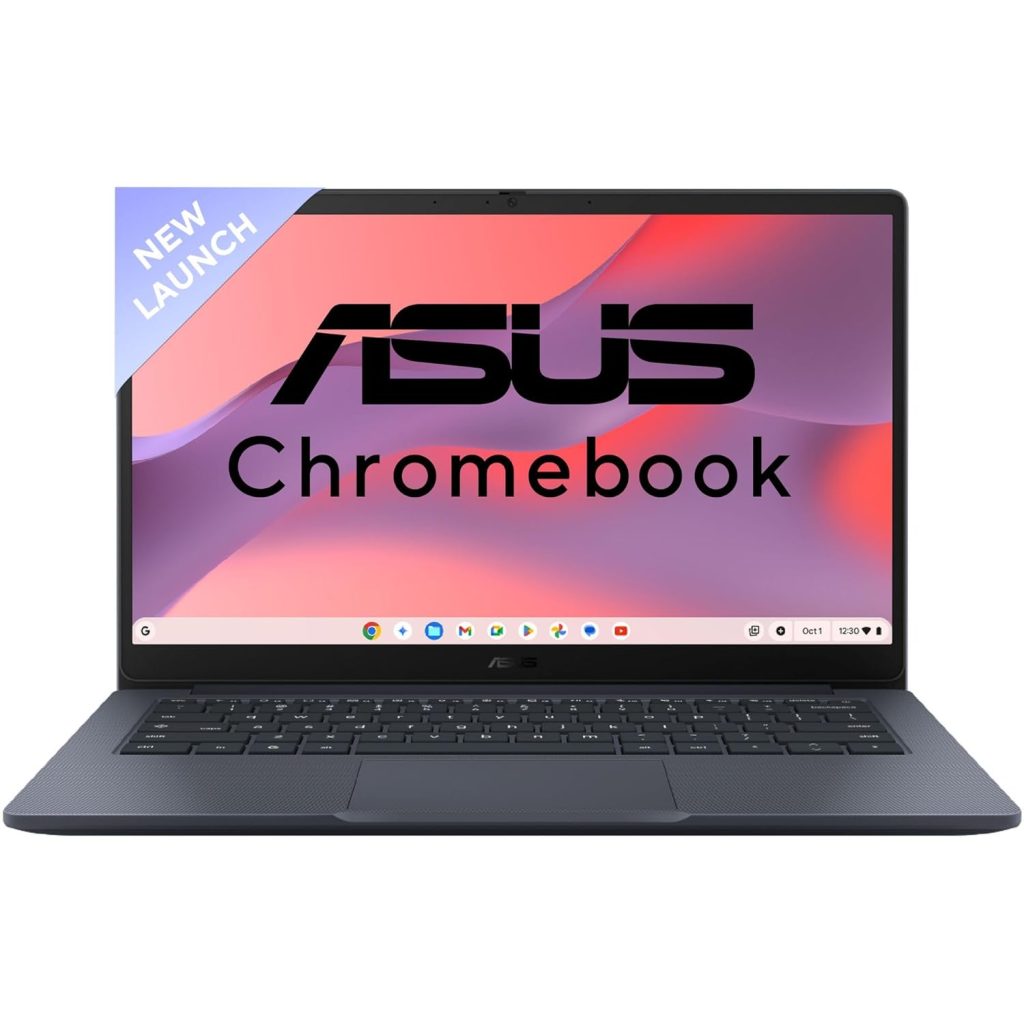
    Here’s our side-by-side comparison of Primebook S 4G, Primebook 2 Neo, JioBook 11, ASUS Chromebook CX1405, and Lenovo Chromebook 11.6″.


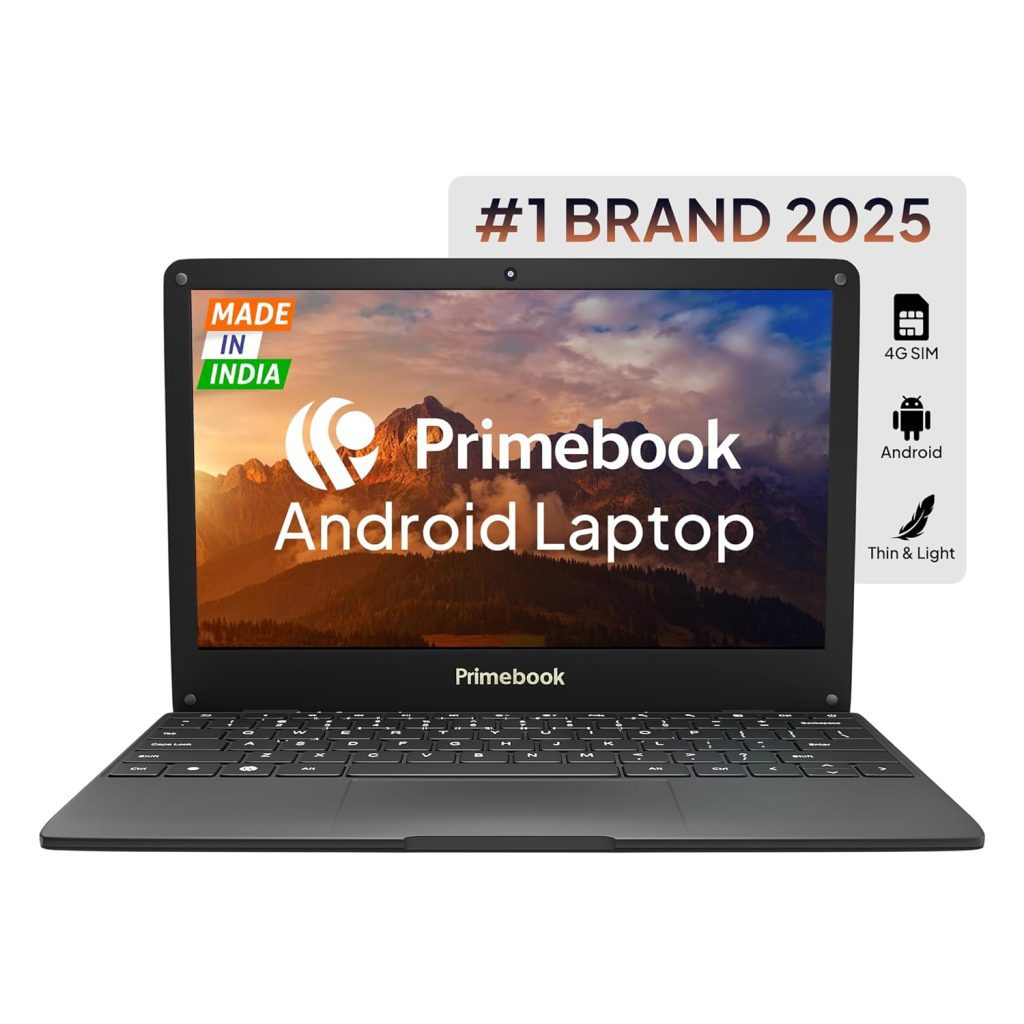
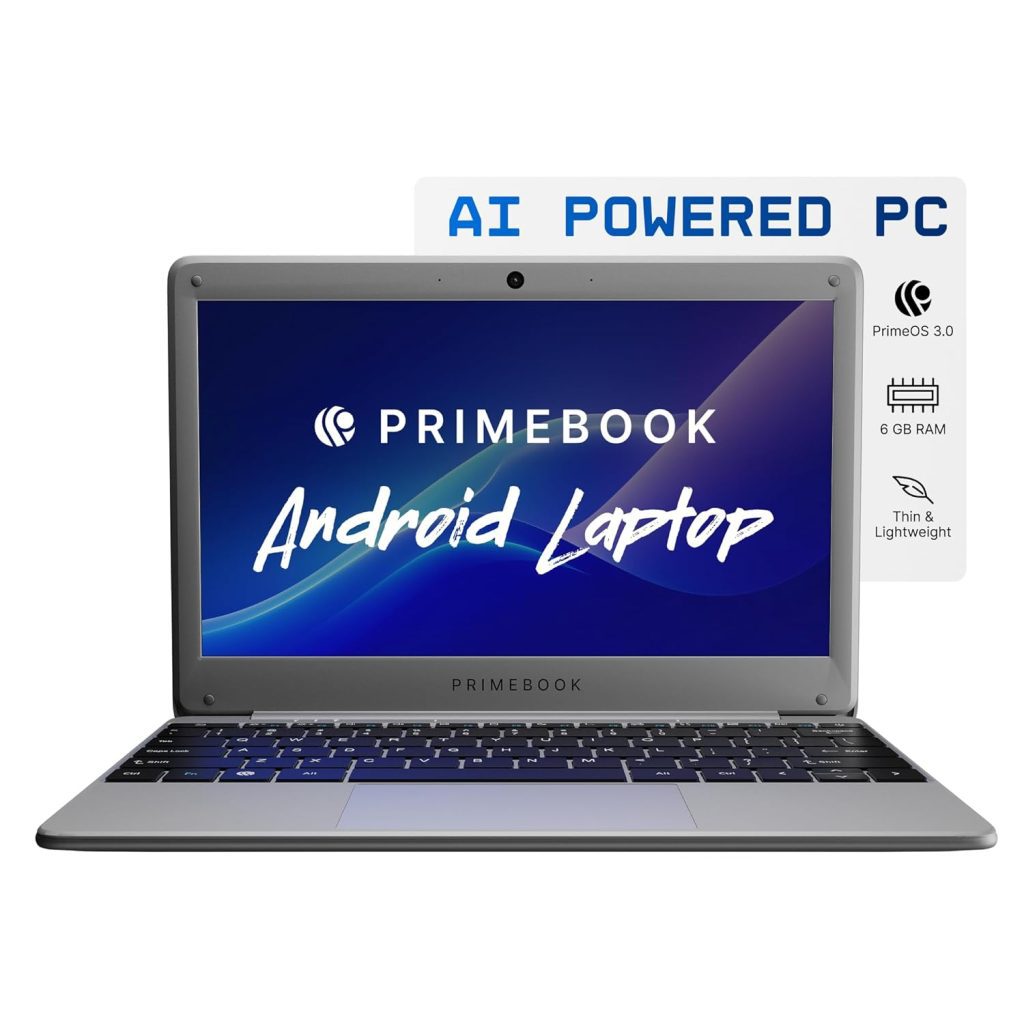
    1. Primebook S 4G – Best for Internet Anywhere

    Price: ₹16,990
    Buy on Amazon: Click Here

    The Primebook S 4G is a unique Android laptop that runs PrimeOS, a desktop-style version of Android. With built-in 4G SIM support, you can work, study, or browse anywhere without relying on Wi-Fi.

    Highlights:

    • Processor: MediaTek MT8788 (2 GHz)
    • RAM / Storage: 4GB / 128GB eMMC
    • Display: 11.6″ HD IPS
    • Weight: 1.065 kg
    • Ports: Type-C, USB, HDMI, MicroSD, Audio Jack
    • Best for: Students & professionals who travel often.

    2. Primebook 2 Neo 2025 – Best Performance in the Budget Segment

    Price: ₹15,990
    Buy on Amazon: Click Here

    The Primebook 2 Neo is the 2025 upgrade with Android 15-based PrimeOS 3.0, AI-powered global search, and a faster MediaTek Helio G99 processor.
    It’s also equipped with 6GB RAM and UFS 2.2 storage, which is significantly faster than traditional eMMC.

    Highlights:

    • Processor: MediaTek Helio G99 (2.2 GHz)
    • RAM / Storage: 6GB / 128GB UFS 2.2
    • Display: 11.6″ HD IPS
    • Weight: 1.1 kg
    • Best for: Users who want smooth multitasking & faster app loading.

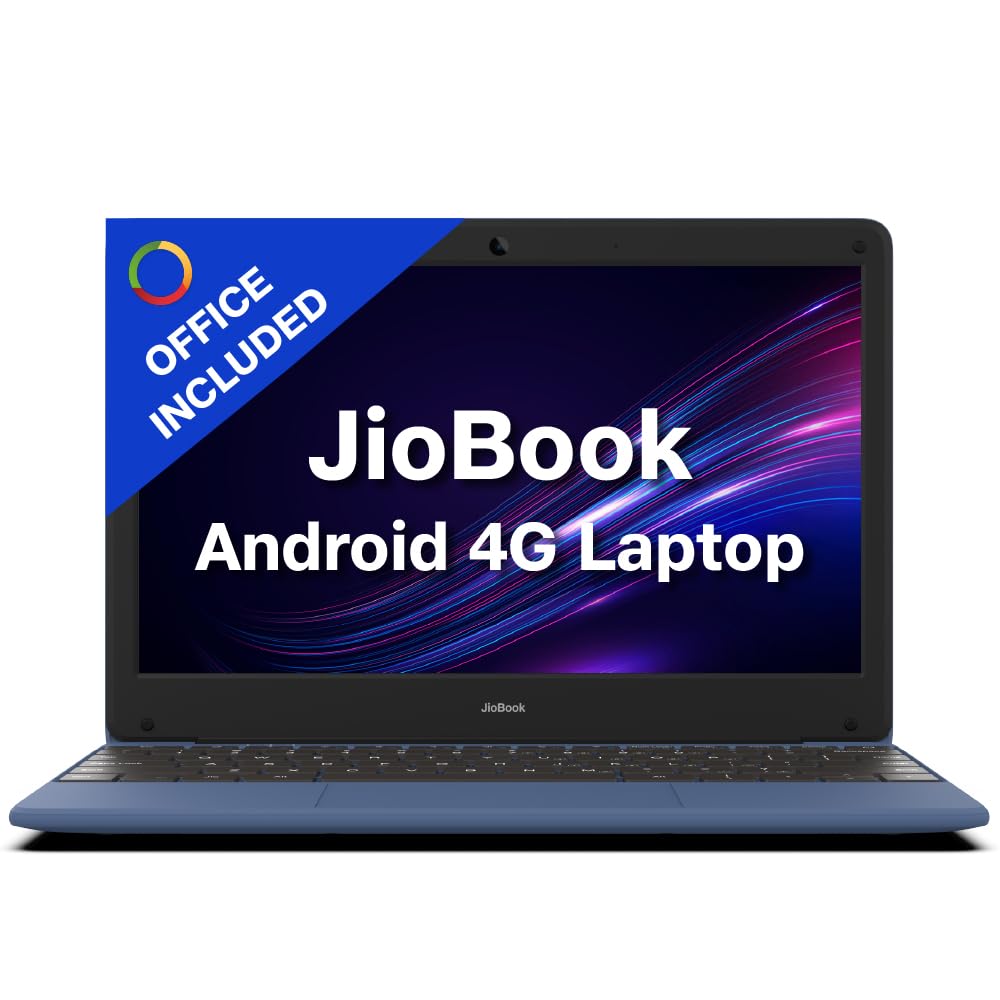
    3. JioBook 11 – Cheapest 4G Laptop

    Price: ₹11,999
    Buy on Amazon: Click Here

    If you want a 4G-enabled laptop at the lowest price, the JioBook 11 is hard to beat.
    It runs JioOS, comes with lifetime SoftMaker Office, and is light enough to carry anywhere.

    Highlights:

    • Processor: MediaTek MT8788 Octa Core
    • RAM / Storage: 4GB / 64GB eMMC (expandable to 256GB)
    • Display: 11.6″ HD anti-glare
    • Weight: 990 g (lightest in the list)
    • Best for: Basic online work & e-learning.

    4. ASUS Chromebook CX1405 – Best for Google Workspace

    Price: ₹20,990
    Buy on Amazon: Click Here

    The ASUS Chromebook CX1405 offers a bigger 14-inch Full HD screen, 8GB RAM, and military-grade durability. It’s perfect for those who rely on Google Docs, Sheets, Meet, and other online apps.

    Highlights:

    • Processor: Intel Celeron N4500
    • RAM / Storage: 8GB / 128GB eMMC
    • Display: 14″ FHD, 300 nits
    • OS: ChromeOS
    • Best for: Professionals & students who live in the Google ecosystem.

    5. Lenovo Chromebook 11.6″ – Affordable ChromeOS Option

    Price: ₹13,990
    Buy on Amazon: Click Here

    A compact, affordable ChromeOS laptop, the Lenovo Chromebook is ideal for those who just need basic browsing, email, and document work.

    Highlights:

    • Processor: Intel Celeron N4500
    • RAM / Storage: 4GB / 64GB eMMC
    • Display: 11.6″ HD anti-glare
    • Weight: 1.21 kg
    • Best for: Students & budget buyers.

    Side-by-Side Comparison Table

    ModelOSProcessorRAMStorageDisplay4G SupportPrice
    Primebook S 4GPrimeOSMT87884GB128GB eMMC11.6″ HD✅₹16,990
    Primebook 2 NeoPrimeOS 3.0Helio G996GB128GB UFS 2.211.6″ HD❌₹15,990
    JioBook 11JioOSMT87884GB64GB eMMC11.6″ HD✅₹11,999
    ASUS ChromebookChromeOSCeleron N45008GB128GB eMMC14″ FHD❌₹20,990
    Lenovo ChromebookChromeOSCeleron N45004GB64GB eMMC11.6″ HD❌₹13,990

    Which One Should You Buy in 2025?

    • Need Android + 4G for travel? Get Primebook S 4G.
    • Want faster storage & more RAM? Go for Primebook 2 Neo.
    • Tight budget but need 4G? Pick JioBook 11.
    • Heavy Google Workspace user? Choose ASUS Chromebook.
    • Budget ChromeOS choice? Lenovo Chromebook works fine.

    For students, teachers, and light office work, all these laptops are solid choices under ₹22,000. Just match the device to your usage, and you’ll get great value.


  • Best Laptops for Students Under ₹25,000 in 2025: Top 4 Budget Picks Compared

    If you’re a student looking for a reliable laptop under ₹25,000, you’re in luck! Whether it’s for online classes, browsing, MS Office work, or light coding and entertainment, we’ve compared four excellent budget laptops that give you the best bang for your buck. These laptops are compact, powerful enough for daily use, and most importantly—easy on the pocket.

    Let’s break down their features, pros, and cons to help you make an informed choice.


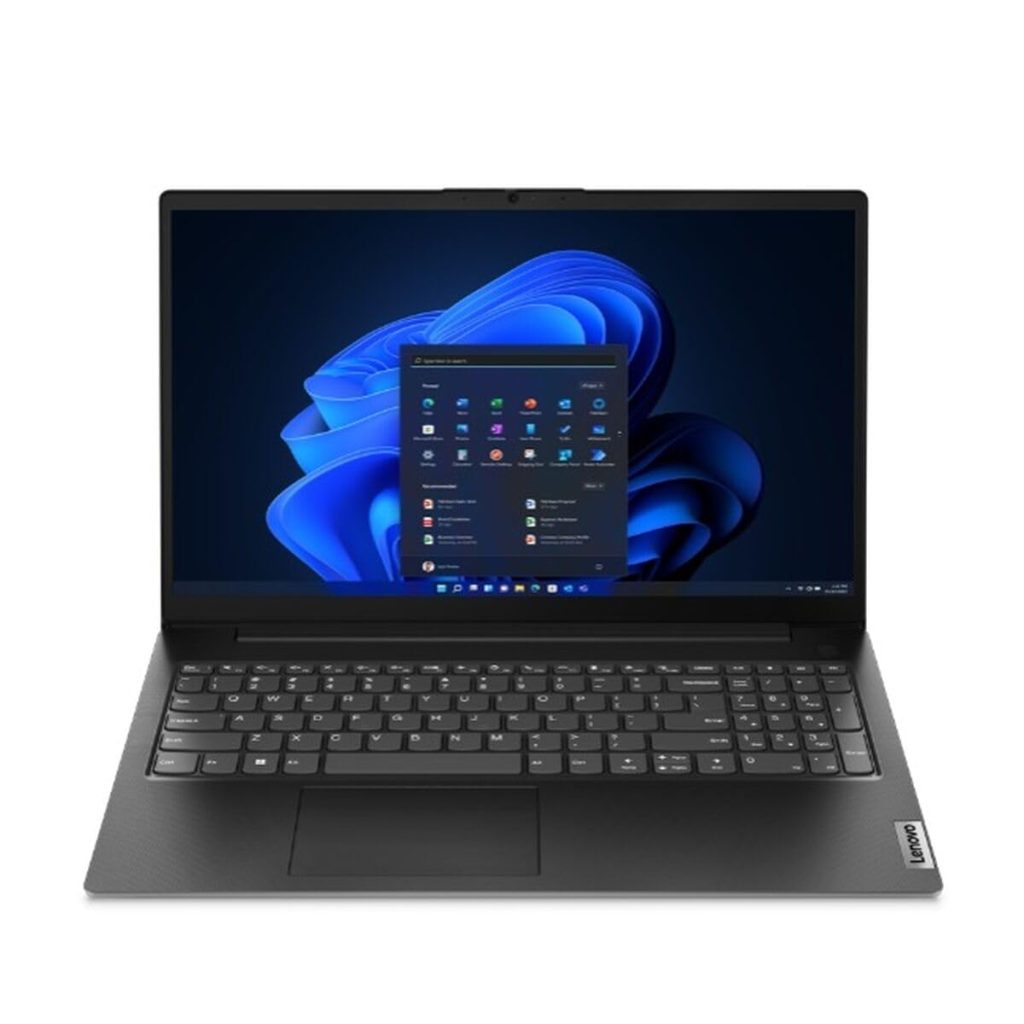
    🔹 1. Lenovo V15 Intel Celeron N4500 – ₹22,999

    Amazon Link: Click Here

    • Display: 15.6″ Full HD (1920×1080), Anti-glare
    • Processor: Intel Celeron N4500 (Up to 2.8GHz)
    • RAM & Storage: 8GB DDR4 RAM | 256GB SSD (upgradable)
    • Graphics: Intel UHD Graphics
    • OS: Windows 11 Home
    • Weight: 1.7 kg

    ✅ Pros:

    • Full HD display at this price is a huge bonus
    • Good RAM and SSD combo for smooth performance
    • Upgradable SSD

    ❌ Cons:

    • Slightly heavier
    • Celeron processor is entry-level

    Best for: Students needing a larger screen for research, MS Office, and online classes.


    🔹 2. DELL Wyse 5470 (Celeron N4100) – ₹24,666

    Amazon Link: Click Here

    • Display: 14.0″ HD (1366 x 768)
    • Processor: Intel Celeron Quad Core N4100 (Up to 2.4GHz)
    • RAM & Storage: 8GB DDR4 RAM | 256GB SSD + 16GB eMMC
    • Graphics: Intel UHD Graphics
    • OS: Windows 11 Home + MS Office 2021
    • Weight: 1.4 kg

    ✅ Pros:

    • Quad-core processor performs better than dual-core
    • Very lightweight (only 1.4 kg)
    • Includes MS Office
    • Sleek and portable for travel

    ❌ Cons:

    • HD screen only (not Full HD)
    • Slightly higher price near the ₹25k mark

    Best for: Students on the move who value portability and better multitasking.


    🔹 3. HP 255 G9 (Athlon 3050U) – ₹22,990

    Amazon Link: Click Here

    • Display: 15.6″ HD (1366×768), Anti-glare
    • Processor: AMD Athlon Silver 3050U
    • RAM & Storage: 4GB RAM | 256GB SSD
    • Graphics: Integrated
    • OS: DOS (Windows must be installed separately)
    • Weight: 1.47 kg

    ✅ Pros:

    • Big screen size with anti-glare
    • Reliable AMD processor
    • Decent build quality

    ❌ Cons:

    • Only 4GB RAM
    • No pre-installed Windows—additional cost & setup effort

    Best for: Students who have access to Windows installation and want an AMD option.

    Version 1.0.0

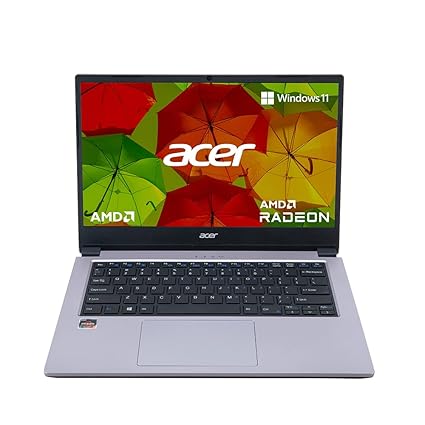
    🔹 4. Acer One 14 Ryzen 3 3250U – ₹24,999

    Amazon Link: Click Here

    • Display: 14″ HD (1366 x 768), Anti-glare
    • Processor: AMD Ryzen 3 3250U (Up to 3.5GHz)
    • RAM & Storage: 8GB DDR4 RAM (expandable) | 256GB SSD
    • Graphics: AMD Radeon
    • OS: Windows 11 Home
    • Weight: ~1.5 kg

    ✅ Pros:

    • Powerful Ryzen 3 processor
    • Windows 11 pre-installed
    • Expandable RAM
    • Sleek design

    ❌ Cons:

    • Slightly more expensive
    • Display is HD, not Full HD

    Best for: Students needing better performance for multitasking or coding.


    🏆 Our Recommendation: The Winner

    👉 Acer One 14 with Ryzen 3 3250U stands out as the best overall pick.

    Why?
    It combines strong performance, 8GB RAM, Windows 11, and expandability—a rare combination at this price point. While it doesn’t have Full HD, the Ryzen processor ensures smoother multitasking and longevity, making it future-proof for students.


    ✨ Final Thoughts

    All four laptops are good value for their price and serve specific use cases:

    LaptopBest For
    Lenovo V15Budget + Full HD Display
    DELL Wyse 5470Lightweight, better multitasking
    HP 255 G9Entry-level with large screen
    Acer One 14Best performance for serious students

    ⚠️ Tip: Always check if your use case (like Zoom, Excel, or Tally) requires Windows. Avoid DOS-based laptops if you’re not tech-savvy.


  • The Best All-in-One Desktop for Creators in 2025 – My Experience with Lenovo IdeaCentre

    🎥💻 Why the Lenovo IdeaCentre AIO 13th Gen i9 Is My Ultimate Workstation for Video Editing & Graphics

    If you’re a content creator, graphic designer, or video editor, you know how crucial it is to have a machine that keeps up with your creative flow. I’ve tried many desktops over the years—some bulky, some loud, some powerful but not stylish—but nothing has come close to the Lenovo IdeaCentre AIO 13th Gen Core i9.

    Let me take you through my personal experience with this beast of a machine, which I now proudly call my daily driver and creative partner.


    🔧 Powerhouse Performance that Speaks for Itself

    Powered by the 13th Gen Intel Core i9-13900H, this AIO delivers 14 cores and 20 threads, with P-cores clocking up to 5.4GHz. Translation? Whether I’m editing 4K videos in Premiere Pro or running heavy After Effects renders, this machine handles it like slicing butter with a hot knife. There’s no lag, no freezing, no “Not Responding” nightmares.

    And thanks to 32GB DDR5 RAM, multitasking is seamless—I can have After Effects, Photoshop, Chrome with 15 tabs, and Spotify running without a hitch.


    ⚡ Speed That Matches My Creativity

    With a 1TB PCIe 4.0 NVMe SSD, everything loads in seconds. No more wasting time waiting for files to open or exports to finish. Boot time? Around 7 seconds flat.

    Even transferring huge RAW video files feels fast. The SSD is so responsive, I almost forget what it was like to use a traditional hard drive.


    🎨 Stunning 27″ QHD IPS Display – A Designer’s Dream

    The 27-inch QHD (2560×1440) screen is a masterpiece on its own. With 99% sRGB color accuracy, IPS panel, and 350 nits brightness, it’s tailor-made for video color grading, photo editing, and graphic work.

    No exaggeration: it feels like I’m seeing my own work for the first time in its full glory. The anti-glare screen and low blue light make long editing sessions easy on the eyes too.


    🔈 Immersive Audio & Built-In Alexa – Productivity Meets Comfort

    The Harman 3W x2 speakers are surprisingly rich and full—perfect when I’m editing audio tracks or watching reference videos. And the 5MP + IR camera? Excellent clarity for client meetings on Zoom.

    Plus, with Alexa built-in, I can control my workspace hands-free—set reminders, play music, or check tasks without touching the keyboard. It’s a small thing, but it adds so much convenience.


    🧑‍💻 Sleek, Clean, and Modern Setup

    This is an All-in-One, which means no messy cables. Just one power cord and done. The build is premium and elegant—grey finish, slim bezels, and a minimal footprint. It looks professional and futuristic on any desk.

    Included in the box:

    • Wireless EOS Keyboard
    • Wireless EOS Mouse
    • Power Adapter
    • User Manual

    You literally plug it in and you’re good to go.


    💸 Pricing & Offers: Totally Worth the Investment

    At a limited-time price of ₹1,04,990 (down from ₹1,24,890), this machine is incredible value for what it offers. And if you use an SBI Credit Card, you can grab it with No Cost EMI at ₹17,498/month for 6 months. Totally worth every rupee if you’re investing in a serious creative setup.

    👉 Check it out here: Buy on Amazon


    💬 Final Thoughts – My Honest Recommendation

    I’ve worked on MacBooks, custom gaming rigs, and mid-range desktops—but the Lenovo IdeaCentre AIO i9 13th Gen strikes the perfect balance between power, aesthetics, and simplicity. For creators like me who value both performance and elegance, this is a no-brainer.

    Whether you’re editing videos, creating digital art, streaming content, or building your own agency—this is the machine that grows with you.

    If you’re even slightly serious about your creative work—this is the best investment you can make right now.