For data analysts, accountants, MIS executives, auditors, tax consultants, and office professionals, choosing the right monitor is as important as choosing the right laptop or desktop. When your daily tasks involve handling large Excel sheets, Tally reports, MIS dashboards, Power BI visuals, GST returns, and financial statements, you need a monitor that delivers clarity, comfort, and consistency.
A good monitor reduces eye strain, speeds up productivity, helps you compare multiple windows side-by-side, and improves overall work accuracy. After analyzing multiple models available online, here are the Top 3 Budget Monitors that offer excellent value for professionals working in Excel and accounting.
Why You Need a Good Monitor for Excel & Accounting Work
Here are a few critical points supported by workplace data:
- More than 60 percent of data analysts work with spreadsheets over 4 hours every day.
- A Full HD display with IPS or VA panels reduces eye fatigue significantly.
- A higher refresh rate (100Hz instead of 60Hz) helps with smoother navigation in large Excel files.
- Flicker-free and low-blue-light technologies help reduce eye strain during long working hours.
- Borderless designs allow easier multi-tasking and dual-monitor setups.
These factors make a huge difference in productivity, comfort, and long-term efficiency.
1. Samsung 24″ S3 Flat Monitor – Best for Long Excel Hours and Multi-Window Work

Price: ₹7,199 (approx)
This Samsung 24-inch monitor stands out because of its borderless super slim design, making it ideal for professionals who work long hours with spreadsheets and financial data. The IPS panel ensures accurate color reproduction and wide viewing angles, which is crucial for accounting and audit tasks.
Specifications
| Feature | Details |
|---|---|
| Size | 24 inches (60.5 cm) |
| Resolution | Full HD (1920×1080) |
| Panel Type | IPS |
| Refresh Rate | 100Hz |
| Response Time | 5 ms |
| Ports | HDMI, VGA |
| Special Features | Eye Saver Mode, Game Mode, Super Slim Borderless Design |
| Mount | Wall Mountable |
Pros
- IPS panel with high color accuracy
- 100Hz refresh rate makes scrolling in Excel smooth
- Eye Saver Mode reduces eye fatigue
- Borderless design ideal for dual-monitor setups
- VESA mount support for ergonomic adjustments
Cons
- No built-in speakers
- Brightness is average for very bright rooms
- Stand offers limited adjustment
Who Should Buy
Ideal for accountants, MIS analysts, and finance professionals who handle long work sessions with Excel, Tally, financial screens, and dashboards. If you want an elegant design that fits modern office setups, this is a great pick.
2. LG 22 Inch FHD Monitor (22MR410) – Best Budget Monitor for Accounting Students & Office Executives
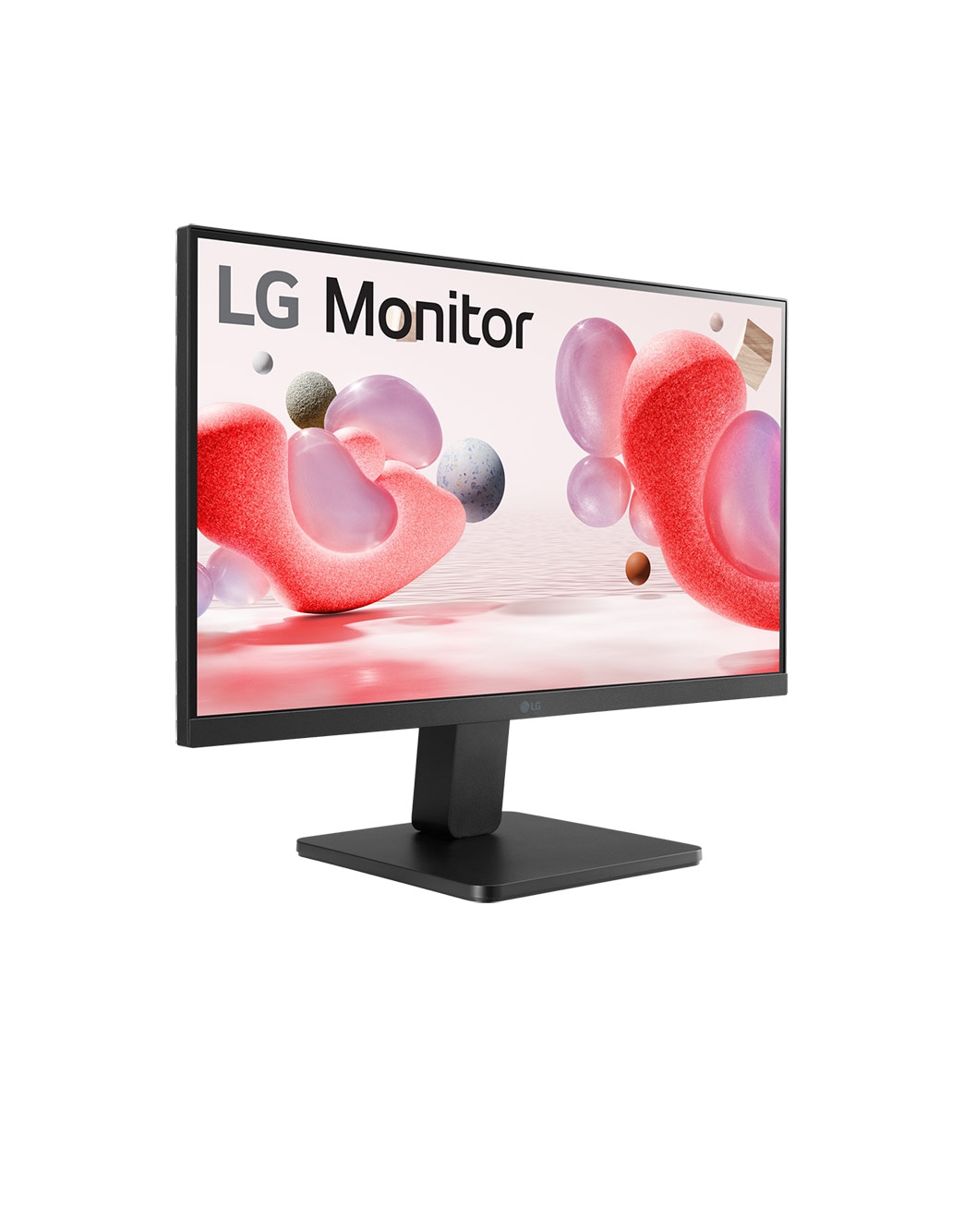
Price: ₹6,199 (approx)
LG is known for its display quality, and this 22-inch FHD monitor offers great value at a low price. Even though it is a VA panel, LG has optimized contrast and clarity well, making it suitable for Excel, Tally, data entry, and accounting work.
https://amzn.to/49TkXHC
Check Here
Specifications
| Feature | Details |
|---|---|
| Size | 22 inches (55 cm) |
| Resolution | Full HD (1920×1080) |
| Panel | VA Panel |
| Refresh Rate | 100Hz |
| Color Gamut | sRGB 99% |
| Technology | FreeSync, Black Stabilizer, Reader Mode |
| Ports | HDMI, VGA |
| Design | Virtual Borderless |
Pros
- Excellent price-to-performance ratio
- sRGB 99% delivers vibrant color accuracy
- Reader Mode and Flicker Safe are helpful for long usage
- Compact and perfect for smaller desks
- Great black levels with VA technology
Cons
- Viewing angles not as strong as IPS panels
- No height adjustment in the stand
- Slightly smaller size may feel restrictive for multi-window work
Who Should Buy
A great choice for students, beginners, back-office staff, and small business owners who want a reliable display at a lower cost. It is also ideal if you have limited desk space.
3. BenQ GW2490 24″ IPS Monitor – Best for Eye Comfort and Professional Work
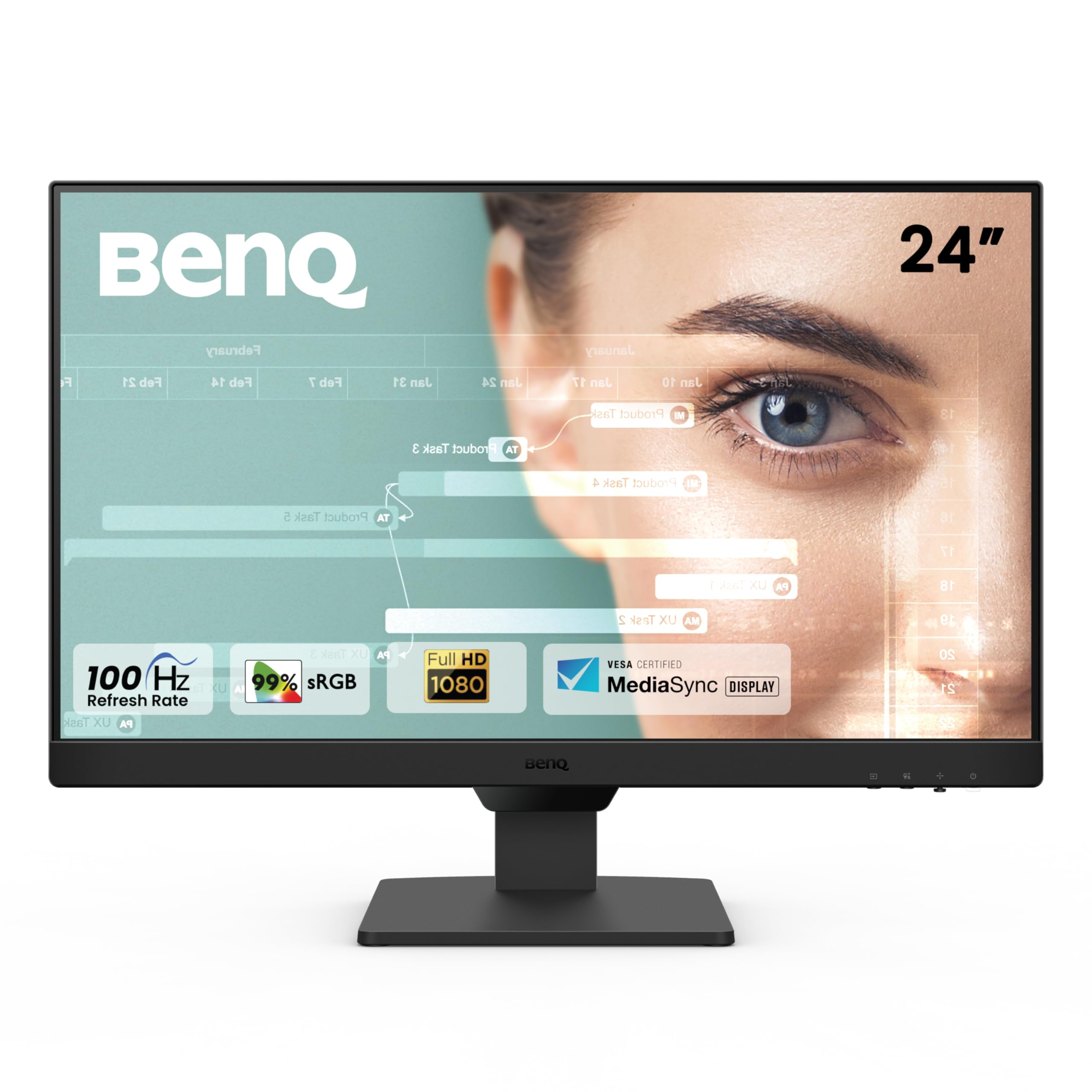
Price: ₹8,250 (approx)
BenQ is well-known for its eye-care technology, and this model is packed with features that protect your vision during long sessions of Excel reporting, Power BI dashboards, and accounting work. It also comes with built-in speakers, adding extra value.
Specifications
| Feature | Details |
|---|---|
| Size | 24 inches |
| Resolution | Full HD (1920×1080) |
| Panel | IPS |
| Refresh Rate | 100Hz |
| Color Gamut | 99% sRGB |
| Ports | Dual HDMI, DisplayPort |
| Features | Low Blue Light+, Eyesafe, Bezel-Less, VESA Mount, Speakers |
Pros
- Industry-leading eye-care technology
- IPS display with excellent color accuracy
- Built-in speakers for webinar and office use
- DisplayPort support for better performance
- Bezel-less design enhances productivity
Cons
- Slightly higher price compared to basic models
- Stand is basic with limited adjustment
- Sound quality of speakers is average
Who Should Buy
Best suited for data analysts, corporate professionals, financial consultants, and anyone who spends over 6–8 hours a day on-screen. If eye comfort is your priority, this is the top recommendation.
Comparison Table – Best Monitors for Data Analysts & Accountants
| Monitor | Ideal For |
|---|---|
| Samsung 24″ S3 | Smooth Excel navigation, long hours, dual-screen setups |
| LG 22MR410 | Students, small office users, budget-friendly setups |
| BenQ GW2490 | Eye comfort, professional analysis, long-term reliability |
Which Monitor Should You Choose?
If you are still unsure, here is a quick guide:
- Best for smooth Excel and multitasking → Samsung 24″ S3
- Best for tight budget → LG 22MR410
- Best for eye safety and long usage → BenQ GW2490
For accountants and data analysts, a 24-inch IPS monitor with 100Hz refresh rate is the ideal combination. If your budget allows, choosing either the Samsung or BenQ will give you maximum comfort and productivity.
Final Verdict
Investing in a good monitor brings long-term benefits like reduced eye strain, faster data analysis, better productivity, and more accurate accounting. Whether you are a data analyst preparing dashboards, an accountant handling Tally records, or an office professional analyzing financial sheets, the right screen can significantly enhance your workflow.
The three monitors listed above are the most reliable and best-performing options in the budget segment. Each model offers strong value depending on your needs and budget.
Disclaimer
This article is meant for informational and review purposes only. Prices and specifications mentioned may vary depending on availability. Some links included are affiliate links, and purchasing through them may provide a small commission to the author at no additional cost to you. All product comparisons and recommendations are based on independent analysis and usage requirements.