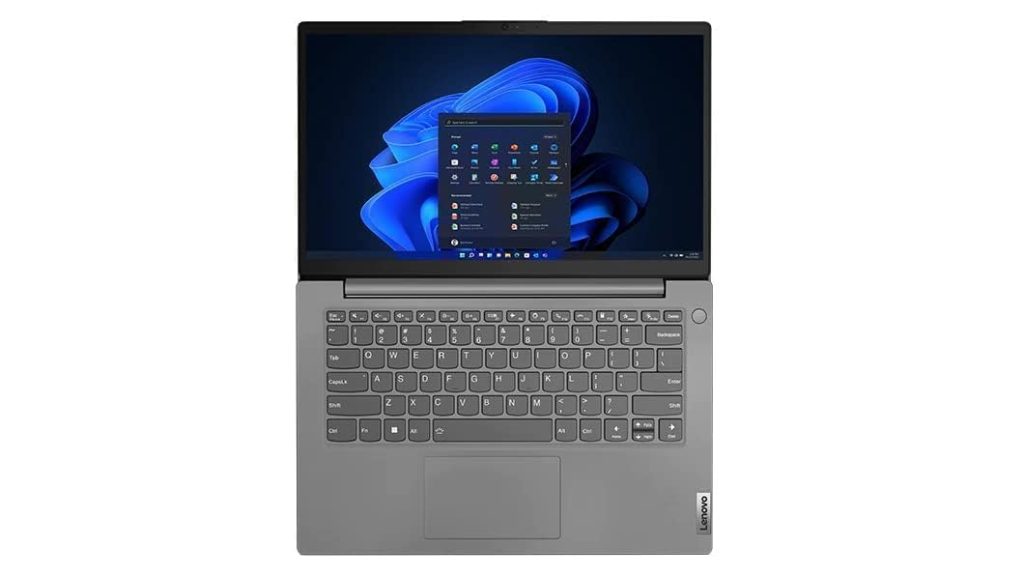
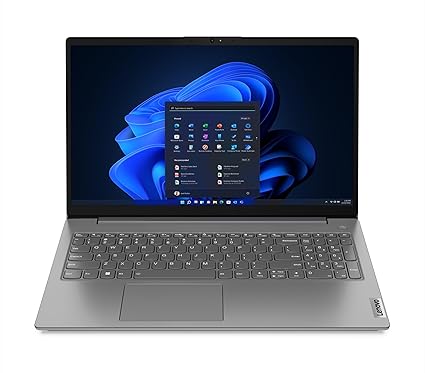
Tag: Lenovo V15 review

  • Best Android Laptops and Chromebooks Under ₹20,000 in India 2025 – Complete Guide

    In 2025, the budget laptop market in India is hotter than ever, with affordable Android-based laptops and Chromebooks delivering solid performance for students, online learners, and casual users.
    If you’re tired of bulky Windows machines or just need a lightweight device for browsing, documents, and online classes, these devices are worth a look.

    Here’s our side-by-side comparison of Primebook S 4G, Primebook 2 Neo, JioBook 11, ASUS Chromebook CX1405, and Lenovo Chromebook 11.6″.


    1. Primebook S 4G – Best for Internet Anywhere

    Price: ₹16,990
    Buy on Amazon: Click Here

    The Primebook S 4G is a unique Android laptop that runs PrimeOS, a desktop-style version of Android. With built-in 4G SIM support, you can work, study, or browse anywhere without relying on Wi-Fi.

    Highlights:

    • Processor: MediaTek MT8788 (2 GHz)
    • RAM / Storage: 4GB / 128GB eMMC
    • Display: 11.6″ HD IPS
    • Weight: 1.065 kg
    • Ports: Type-C, USB, HDMI, MicroSD, Audio Jack
    • Best for: Students & professionals who travel often.
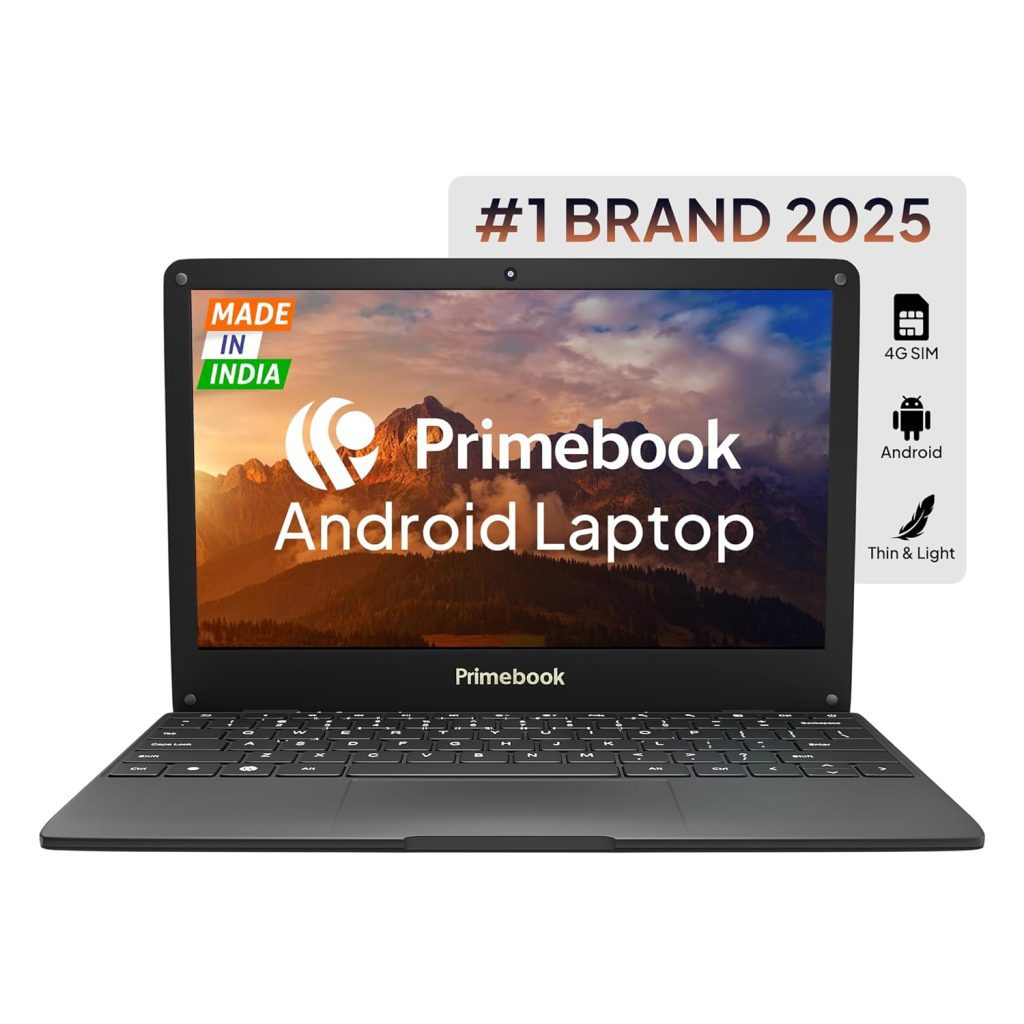
    2. Primebook 2 Neo 2025 – Best Performance in the Budget Segment

    Price: ₹15,990
    Buy on Amazon: Click Here

    The Primebook 2 Neo is the 2025 upgrade with Android 15-based PrimeOS 3.0, AI-powered global search, and a faster MediaTek Helio G99 processor.
    It’s also equipped with 6GB RAM and UFS 2.2 storage, which is significantly faster than traditional eMMC.

    Highlights:

    • Processor: MediaTek Helio G99 (2.2 GHz)
    • RAM / Storage: 6GB / 128GB UFS 2.2
    • Display: 11.6″ HD IPS
    • Weight: 1.1 kg
    • Best for: Users who want smooth multitasking & faster app loading.
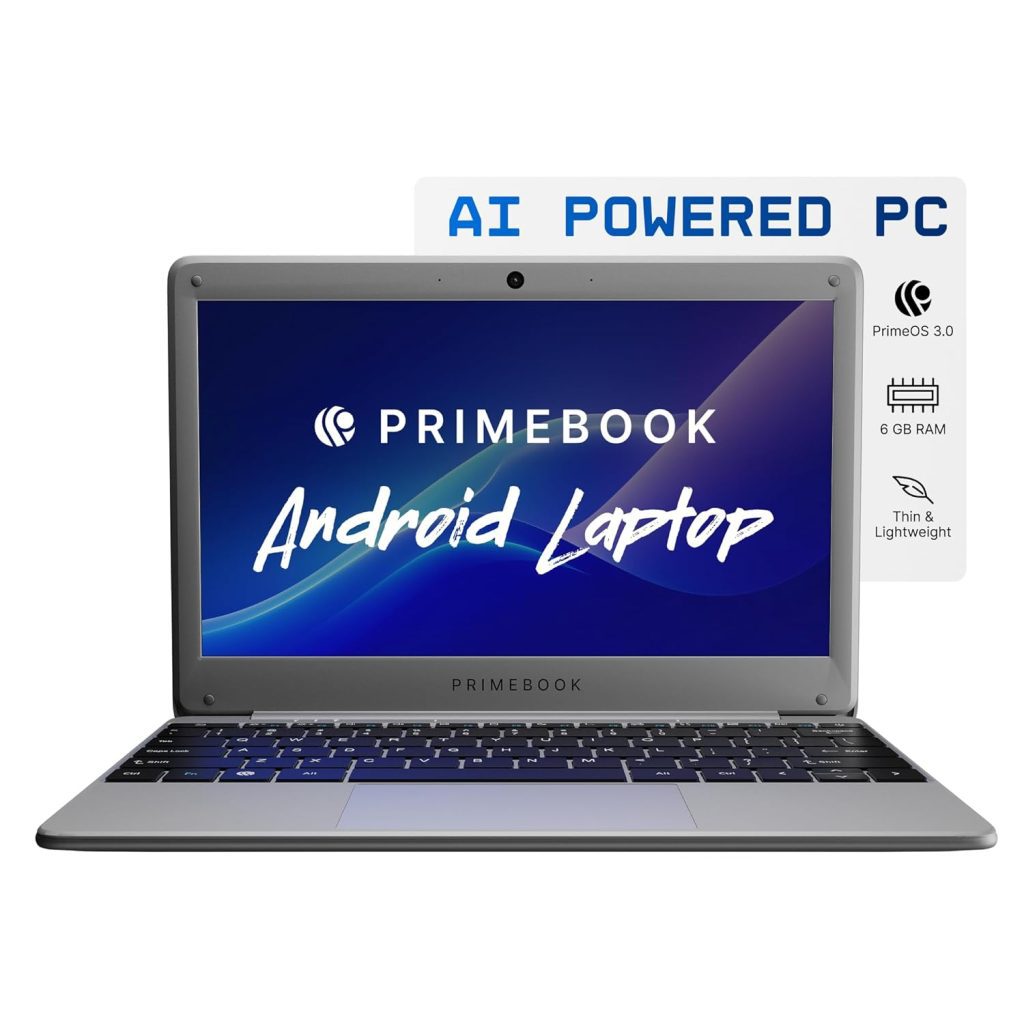
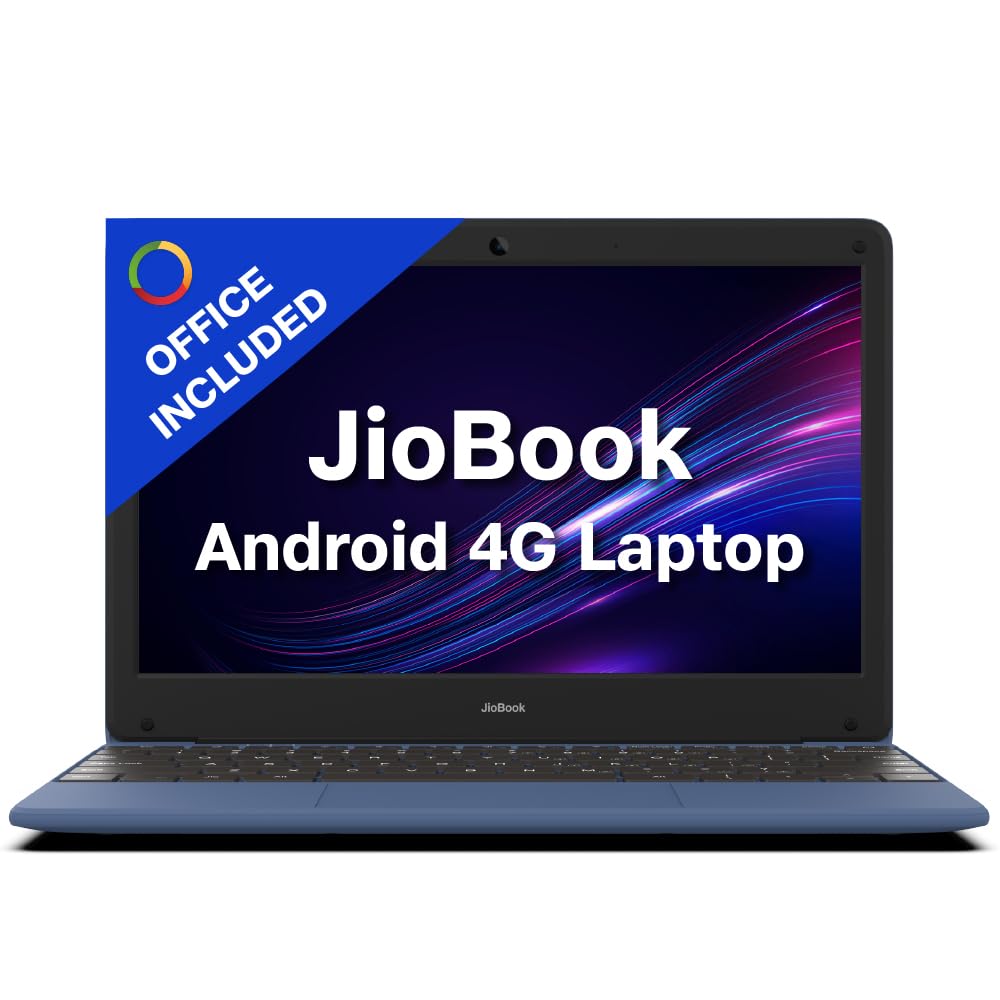
    3. JioBook 11 – Cheapest 4G Laptop

    Price: ₹11,999
    Buy on Amazon: Click Here

    If you want a 4G-enabled laptop at the lowest price, the JioBook 11 is hard to beat.
    It runs JioOS, comes with lifetime SoftMaker Office, and is light enough to carry anywhere.

    Highlights:

    • Processor: MediaTek MT8788 Octa Core
    • RAM / Storage: 4GB / 64GB eMMC (expandable to 256GB)
    • Display: 11.6″ HD anti-glare
    • Weight: 990 g (lightest in the list)
    • Best for: Basic online work & e-learning.
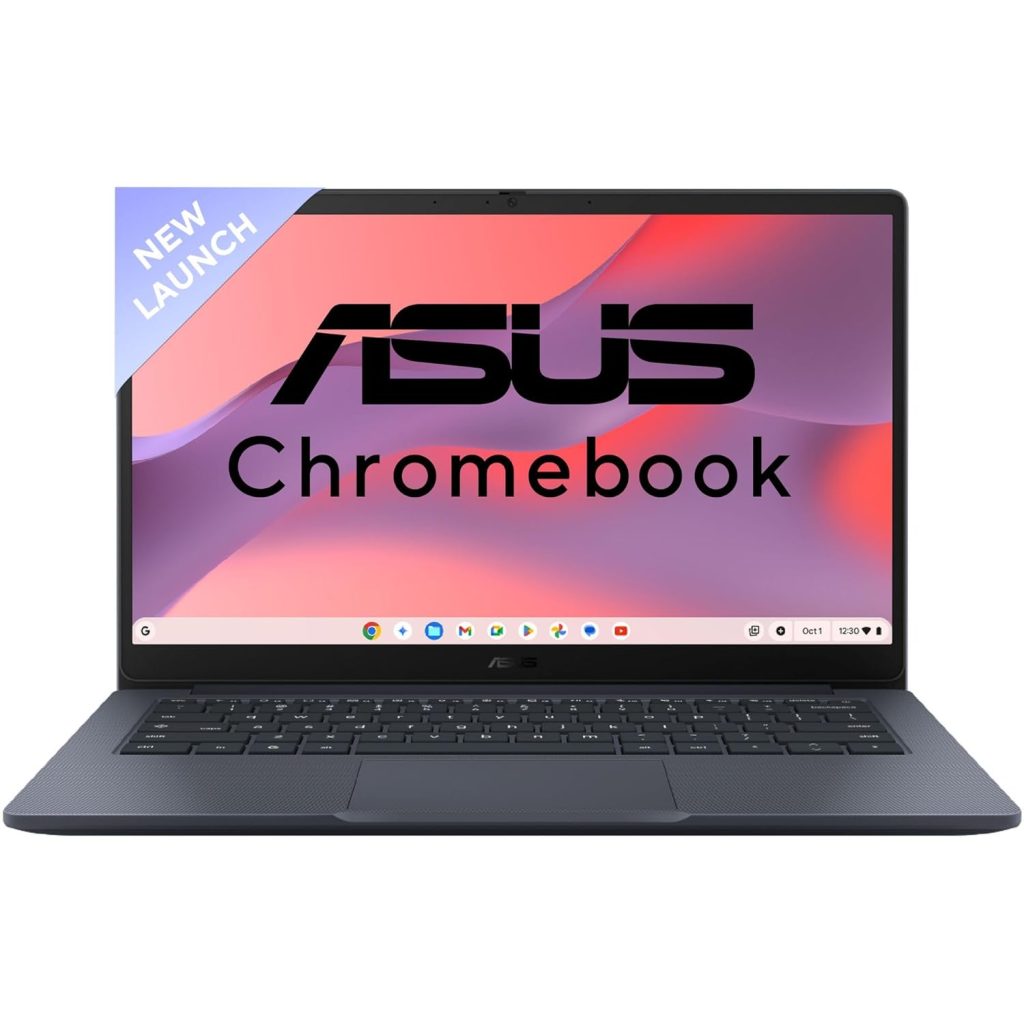
    4. ASUS Chromebook CX1405 – Best for Google Workspace

    Price: ₹20,990
    Buy on Amazon: Click Here

    The ASUS Chromebook CX1405 offers a bigger 14-inch Full HD screen, 8GB RAM, and military-grade durability. It’s perfect for those who rely on Google Docs, Sheets, Meet, and other online apps.

    Highlights:

    • Processor: Intel Celeron N4500
    • RAM / Storage: 8GB / 128GB eMMC
    • Display: 14″ FHD, 300 nits
    • OS: ChromeOS
    • Best for: Professionals & students who live in the Google ecosystem.
    5. Lenovo Chromebook 11.6″ – Affordable ChromeOS Option

    Price: ₹13,990
    Buy on Amazon: Click Here

    A compact, affordable ChromeOS laptop, the Lenovo Chromebook is ideal for those who just need basic browsing, email, and document work.

    Highlights:

    • Processor: Intel Celeron N4500
    • RAM / Storage: 4GB / 64GB eMMC
    • Display: 11.6″ HD anti-glare
    • Weight: 1.21 kg
    • Best for: Students & budget buyers.

    Side-by-Side Comparison Table

    ModelOSProcessorRAMStorageDisplay4G SupportPrice
    Primebook S 4GPrimeOSMT87884GB128GB eMMC11.6″ HD✅₹16,990
    Primebook 2 NeoPrimeOS 3.0Helio G996GB128GB UFS 2.211.6″ HD❌₹15,990
    JioBook 11JioOSMT87884GB64GB eMMC11.6″ HD✅₹11,999
    ASUS ChromebookChromeOSCeleron N45008GB128GB eMMC14″ FHD❌₹20,990
    Lenovo ChromebookChromeOSCeleron N45004GB64GB eMMC11.6″ HD❌₹13,990

    Which One Should You Buy in 2025?

    • Need Android + 4G for travel? Get Primebook S 4G.
    • Want faster storage & more RAM? Go for Primebook 2 Neo.
    • Tight budget but need 4G? Pick JioBook 11.
    • Heavy Google Workspace user? Choose ASUS Chromebook.
    • Budget ChromeOS choice? Lenovo Chromebook works fine.

    For students, teachers, and light office work, all these laptops are solid choices under ₹22,000. Just match the device to your usage, and you’ll get great value.


  • Best Laptops for Students Under ₹25,000 in 2025: Top 4 Budget Picks Compared

    If you’re a student looking for a reliable laptop under ₹25,000, you’re in luck! Whether it’s for online classes, browsing, MS Office work, or light coding and entertainment, we’ve compared four excellent budget laptops that give you the best bang for your buck. These laptops are compact, powerful enough for daily use, and most importantly—easy on the pocket.

    Let’s break down their features, pros, and cons to help you make an informed choice.


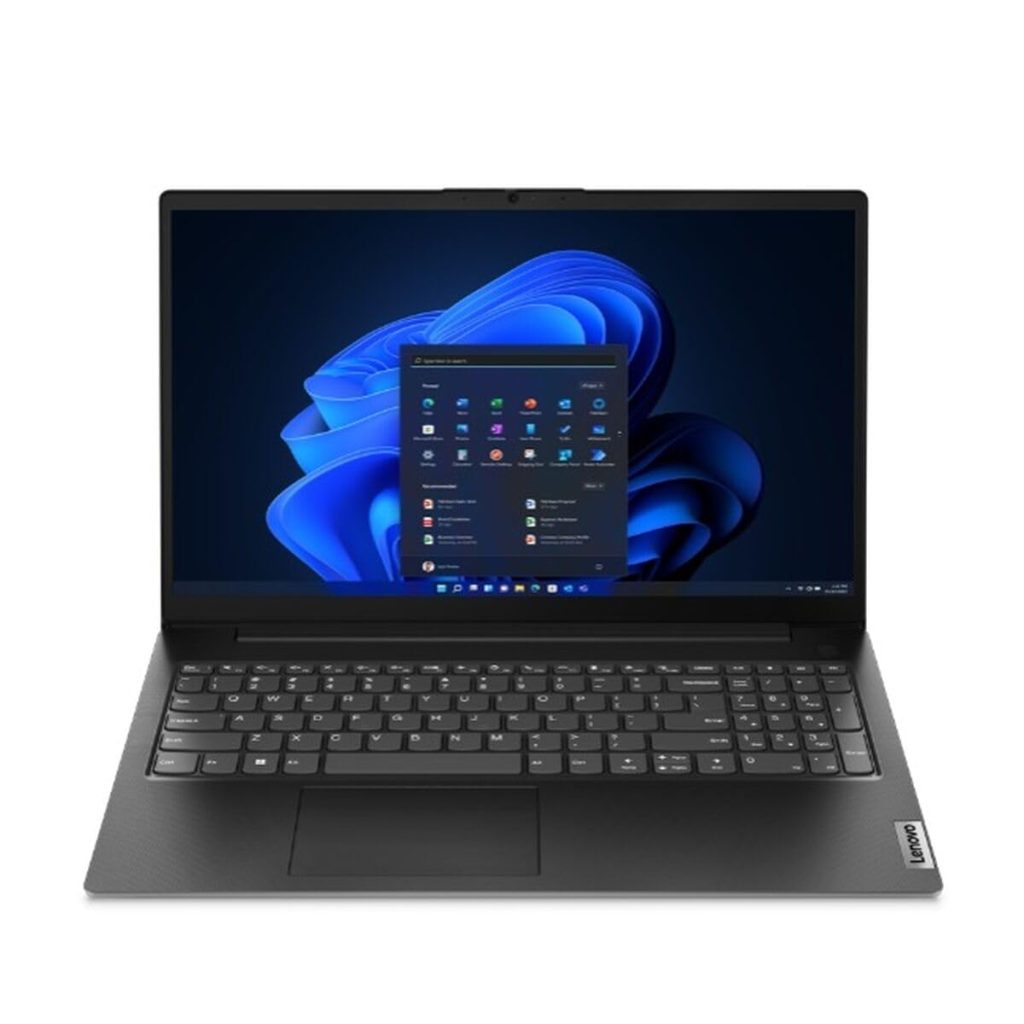
    🔹 1. Lenovo V15 Intel Celeron N4500 – ₹22,999

    Amazon Link: Click Here

    • Display: 15.6″ Full HD (1920×1080), Anti-glare
    • Processor: Intel Celeron N4500 (Up to 2.8GHz)
    • RAM & Storage: 8GB DDR4 RAM | 256GB SSD (upgradable)
    • Graphics: Intel UHD Graphics
    • OS: Windows 11 Home
    • Weight: 1.7 kg

    ✅ Pros:

    • Full HD display at this price is a huge bonus
    • Good RAM and SSD combo for smooth performance
    • Upgradable SSD

    ❌ Cons:

    • Slightly heavier
    • Celeron processor is entry-level

    Best for: Students needing a larger screen for research, MS Office, and online classes.


    🔹 2. DELL Wyse 5470 (Celeron N4100) – ₹24,666

    Amazon Link: Click Here

    • Display: 14.0″ HD (1366 x 768)
    • Processor: Intel Celeron Quad Core N4100 (Up to 2.4GHz)
    • RAM & Storage: 8GB DDR4 RAM | 256GB SSD + 16GB eMMC
    • Graphics: Intel UHD Graphics
    • OS: Windows 11 Home + MS Office 2021
    • Weight: 1.4 kg

    ✅ Pros:

    • Quad-core processor performs better than dual-core
    • Very lightweight (only 1.4 kg)
    • Includes MS Office
    • Sleek and portable for travel

    ❌ Cons:

    • HD screen only (not Full HD)
    • Slightly higher price near the ₹25k mark

    Best for: Students on the move who value portability and better multitasking.


    🔹 3. HP 255 G9 (Athlon 3050U) – ₹22,990

    Amazon Link: Click Here

    • Display: 15.6″ HD (1366×768), Anti-glare
    • Processor: AMD Athlon Silver 3050U
    • RAM & Storage: 4GB RAM | 256GB SSD
    • Graphics: Integrated
    • OS: DOS (Windows must be installed separately)
    • Weight: 1.47 kg

    ✅ Pros:

    • Big screen size with anti-glare
    • Reliable AMD processor
    • Decent build quality

    ❌ Cons:

    • Only 4GB RAM
    • No pre-installed Windows—additional cost & setup effort

    Best for: Students who have access to Windows installation and want an AMD option.

    Version 1.0.0

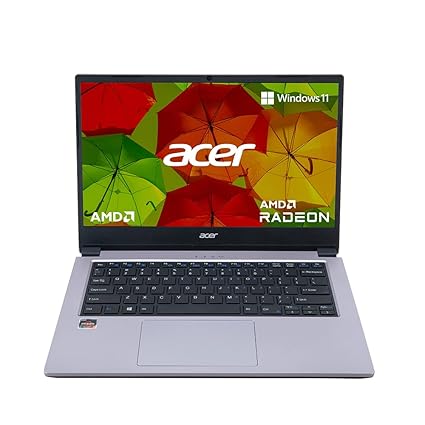
    🔹 4. Acer One 14 Ryzen 3 3250U – ₹24,999

    Amazon Link: Click Here

    • Display: 14″ HD (1366 x 768), Anti-glare
    • Processor: AMD Ryzen 3 3250U (Up to 3.5GHz)
    • RAM & Storage: 8GB DDR4 RAM (expandable) | 256GB SSD
    • Graphics: AMD Radeon
    • OS: Windows 11 Home
    • Weight: ~1.5 kg

    ✅ Pros:

    • Powerful Ryzen 3 processor
    • Windows 11 pre-installed
    • Expandable RAM
    • Sleek design

    ❌ Cons:

    • Slightly more expensive
    • Display is HD, not Full HD

    Best for: Students needing better performance for multitasking or coding.


    🏆 Our Recommendation: The Winner

    👉 Acer One 14 with Ryzen 3 3250U stands out as the best overall pick.

    Why?
    It combines strong performance, 8GB RAM, Windows 11, and expandability—a rare combination at this price point. While it doesn’t have Full HD, the Ryzen processor ensures smoother multitasking and longevity, making it future-proof for students.


    ✨ Final Thoughts

    All four laptops are good value for their price and serve specific use cases:

    LaptopBest For
    Lenovo V15Budget + Full HD Display
    DELL Wyse 5470Lightweight, better multitasking
    HP 255 G9Entry-level with large screen
    Acer One 14Best performance for serious students

    ⚠️ Tip: Always check if your use case (like Zoom, Excel, or Tally) requires Windows. Avoid DOS-based laptops if you’re not tech-savvy.


  • Top 5 Budget Laptops for Productivity & Training Under ₹50,000 – My Expert Picks

    🔝 Top 5 Laptops Under ₹50,000 for Professionals, Students & MIS Trainers – August 2025

    Looking for the best laptops under ₹50,000 that offer solid performance, fast multitasking, and are ideal for professionals, students, or MIS trainers like myself? Here’s a detailed review of 5 great options you can consider right now – handpicked based on performance, pricing, features, and practical use in real-world business scenarios like Excel reporting, data analysis, Tally, SQL tools, presentations, and web-based dashboards.


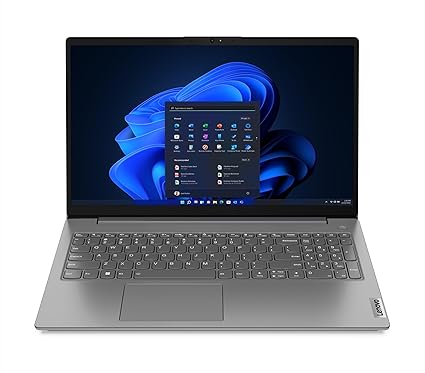
    1️⃣ Lenovo V15 – AMD Ryzen 7 7730U (16GB/512GB SSD)

    💰 Price: ₹44,490
    🔗 Check on Amazon

    Specs at a glance:

    • Processor: Ryzen 7 7730U, 8 cores, up to 4.5 GHz
    • RAM: 16 GB DDR4
    • Storage: 512 GB SSD
    • Display: 15.6” FHD, Anti-glare
    • Weight: 1.65 kg
    • Battery: Up to 8.7 hours

    Why buy?
    Powerful Ryzen 7 processor and 16GB RAM at this price point is a rare find. Ideal for multitasking, Excel macros, running Power BI dashboards, and even lightweight video editing.


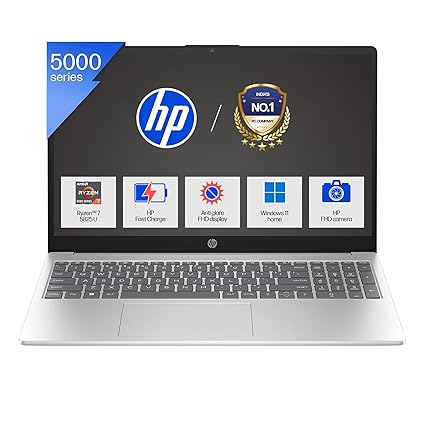
    2️⃣ HP 15 – Ryzen 7 5825U (16GB/512GB SSD, Backlit Keyboard)

    💰 Price: ₹46,990
    🔗 Check on Amazon

    Specs at a glance:

    • Processor: Ryzen 7 5825U, up to 4.5 GHz
    • RAM: 16 GB
    • Storage: 512 GB SSD
    • Display: 15.6” FHD Micro-edge
    • Special: Backlit keyboard, Full HD webcam
    • Weight: 1.59 kg

    Why buy?
    The backlit keyboard is perfect for late-night Excel modeling or scripting. Good for both work and meetings (thanks to its FHD camera). Best suited for office pros who attend virtual sessions.


    3️⃣ Dell Vostro 15 3530 – Intel Core i5 13th Gen (8GB/512GB SSD)

    💰 Price: ₹46,490
    🔗 Check on Amazon

    Specs at a glance:

    • Processor: Intel Core i5-1334U, 13th Gen
    • RAM: 8 GB (expandable)
    • Storage: 512 GB SSD
    • Display: 15.6” FHD, 120Hz Refresh Rate
    • Weight: 1.66 kg

    Why buy?
    Great for techies who want a smooth 120Hz display. Slightly less RAM than others, but 13th Gen i5 delivers excellent performance for web-based apps, code compiling, and Excel-heavy work.


    4️⃣ Lenovo V14 G3 – Intel Core i7 12th Gen (16GB/512GB SSD)

    💰 Price: ₹49,900
    🔗 Check on Amazon

    Specs at a glance:

    • Processor: Intel Core i7-1255U (10 cores)
    • RAM: 16 GB
    • Storage: 512 GB SSD
    • Display: 14” FHD
    • Weight: 1.7 kg
    • Ports: USB-C, HDMI, LAN
    Version 1.0.0

    Why buy?
    Intel Core i7 under 50k is impressive. Compact 14” display makes it ultra-portable for traveling trainers, consultants, or working professionals who move a lot.


    5️⃣ Acer Aspire 3 – Intel Core i5 13th Gen (16GB/512GB SSD, IPS Display)

    💰 Price: ₹42,990
    🔗 Check on Amazon

    Specs at a glance:

    • Processor: Intel Core i5-1334U
    • RAM: 16 GB DDR4
    • Storage: 512 GB SSD
    • Display: 14” IPS Full HD
    • Weight: 1.45 kg
    • Battery: 2-cell, 45.6

    Why buy?
    Best for portability lovers. Its IPS panel is perfect for long hours on Excel or Google Sheets. Decent brightness and performance make it a great everyday performer.


    🏆 My Personal Favorite – Lenovo V15 Ryzen 7 (16GB/512GB SSD)

    As an MIS trainer, my work involves heavy Excel modeling, dashboard creation, teaching advanced formulas, and running lightweight databases and Power BI. The Lenovo V15 with Ryzen 7 and 16GB RAM gives the best price-to-performance ratio among all options listed.

    ✅ Here’s why:

    • 8-core Ryzen 7 handles multiple heavy Excel files with ease.
    • 16GB RAM ensures seamless multitasking – Excel, Tally, Chrome tabs, PowerPoint – all at once.
    • Big 15.6″ screen improves visibility during training or content creation.
    • Price under ₹45,000 is a great deal for a trainer or a working professional.