For accountants and finance professionals, choosing the right mouse is not just about convenience—it directly impacts productivity, accuracy, and comfort. Whether you are working on Excel, Tally, GST returns, or MIS reports, a reliable mouse can reduce fatigue and improve efficiency during long working hours.
In this guide, we review the top 5 mouse options for accountants in India, focusing on comfort, precision, silent clicks, and value for money. Each product is evaluated with real-world use cases, pros, cons, and recommendations.
Lenovo 600 Bluetooth Silent Mouse

The Lenovo 600 Bluetooth mouse is designed for professionals who prefer a clean, wireless, and silent working environment.
Key Features
| Feature | Details |
|---|---|
| Connectivity | Bluetooth (No Dongle) |
| DPI | Up to 2400 |
| Battery | Up to 1 Year |
| Special Feature | Silent Click |
Practical Use Case
Ideal for accountants working in:
- Office environments where noise matters
- Meetings and shared workspaces
- Laptop users who want clutter-free desks
Pros
- Completely silent clicks
- No USB dongle required
- Long battery life
- Supports multiple devices
Cons
- Slightly premium pricing
- No rechargeable battery
👉 Buy Here
Portronics Toad One Bluetooth + 2.4GHz Mouse

This is one of the most versatile and budget-friendly options with dual connectivity and RGB lighting.
Key Features
| Feature | Details |
|---|---|
| Connectivity | Bluetooth + USB Dongle |
| Devices | Connect up to 3 devices |
| Buttons | 6 Buttons |
| Battery | Rechargeable |
Practical Use Case
Best suited for:
- Accountants using multiple devices (laptop + tablet)
- Users who prefer rechargeable devices
- Budget-conscious professionals
Pros
- Excellent value for money
- Multi-device switching
- Rechargeable battery
- Extra buttons for productivity
Cons
- RGB may not appeal to all professionals
- Build quality is average
Portronics Toad 23 Wireless Mouse
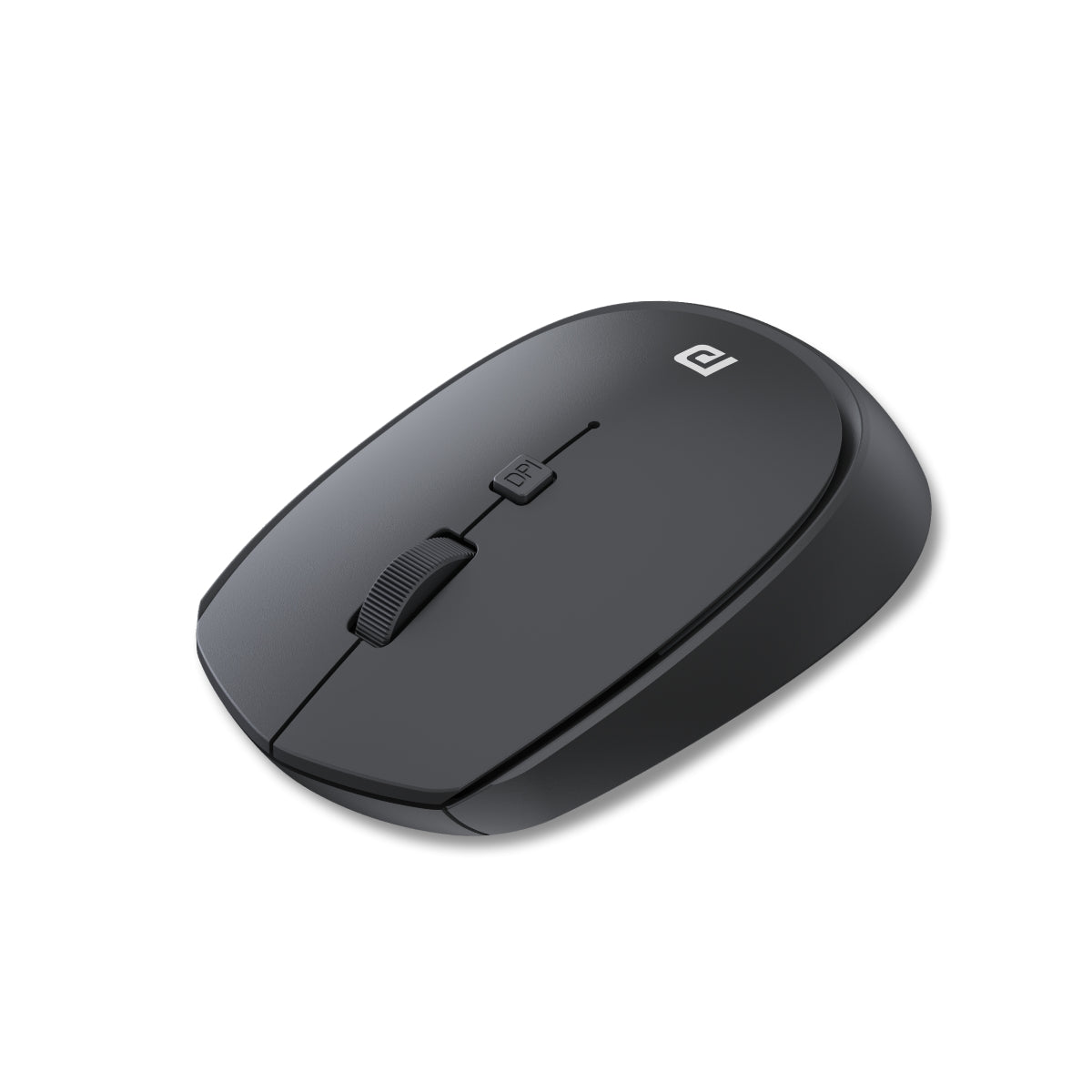
A simple, no-nonsense mouse for basic accounting work.
Key Features
| Feature | Details |
|---|---|
| Connectivity | 2.4GHz USB Dongle |
| DPI | Adjustable |
| Design | Compact |
| Usage | Basic Tasks |
Practical Use Case
Ideal for:
- Entry-level accountants
- Basic Excel and Tally work
- Backup or secondary mouse
Pros
- Very affordable
- Easy to use
- Lightweight
Cons
- Limited features
- No Bluetooth
- Basic build
👉 Buy Here
Dell MS116 Wired Mouse

A highly reliable wired mouse preferred by many offices.
Key Features
| Feature | Details |
|---|---|
| Connectivity | Wired USB |
| DPI | 1000 DPI |
| Design | Ergonomic |
| Reliability | High |
Practical Use Case
Best for:
- Office desktops
- Continuous long-hour usage
- Users who prefer zero latency
Pros
- Highly durable
- No battery required
- Plug-and-play simplicity
- Consistent performance
Cons
- Wired limitation
- No advanced features
Acer Bubble Wireless Mouse AMR100
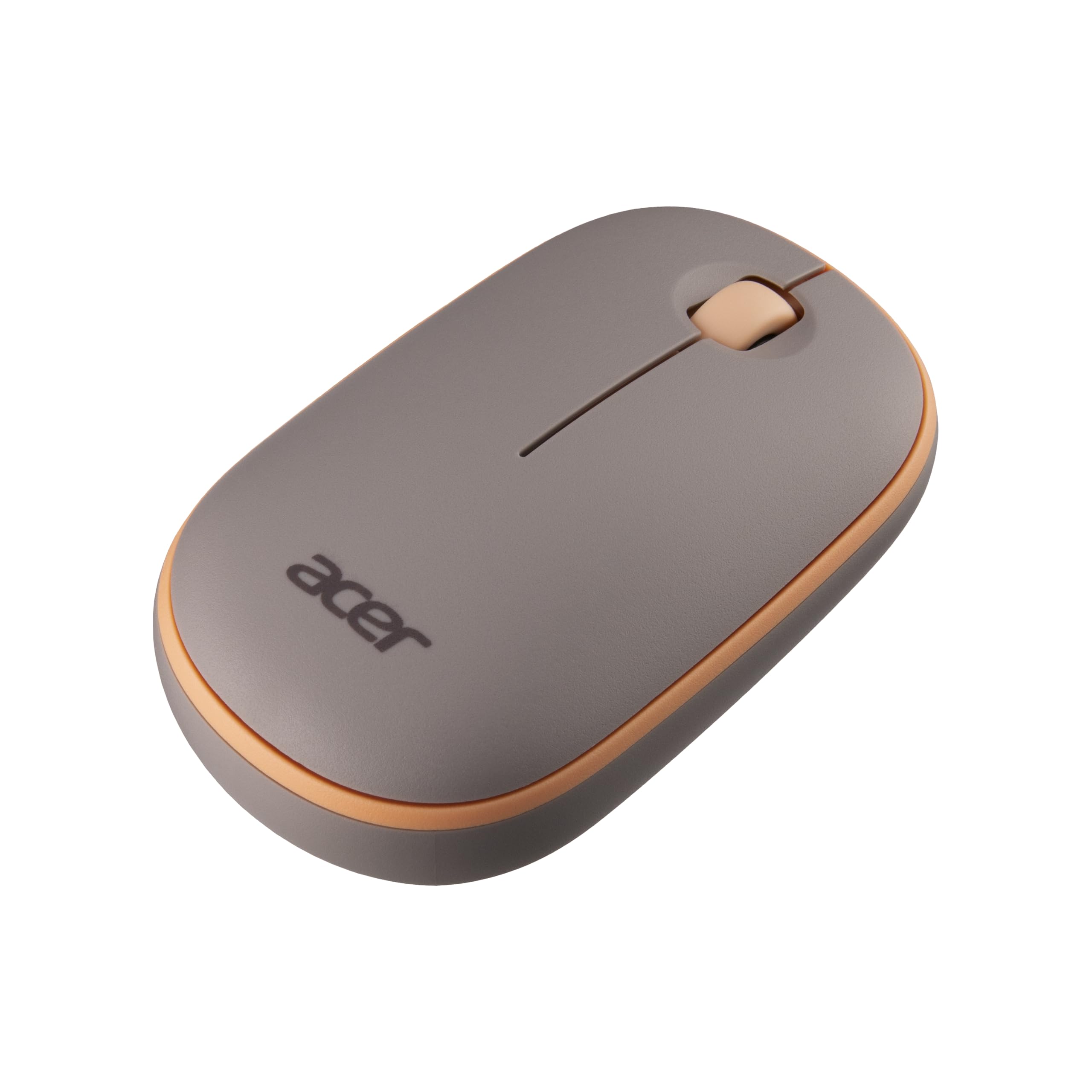
A stylish and ergonomic mouse with silent clicks and good performance.
Key Features
| Feature | Details |
|---|---|
| Connectivity | 2.4GHz Wireless |
| DPI | 1600 DPI |
| Design | Ergonomic |
| Noise | Silent Click |
Practical Use Case
Suitable for:
- Professionals working long hours
- Users needing comfort and portability
- Home office setups
Pros
- Silent operation
- Comfortable grip
- Lightweight design
- Good balance of price and features
Cons
- Uses AA battery
- Limited advanced controls
👉 Buy Here
Which Mouse is Best for Accountants?
| Requirement | Best Choice |
|---|---|
| Silent & Premium | Lenovo 600 |
| Budget + Features | Portronics Toad One |
| Basic Use | Portronics Toad 23 |
| Office Reliability | Dell MS116 |
| Comfort & Style | Acer Bubble |
How to Choose the Right Mouse for Accounting Work
1. Silent Clicks
Important for long working hours and office environments.
2. DPI Sensitivity
Higher DPI helps in faster navigation across large Excel sheets.
3. Ergonomics
Reduces wrist strain during long usage.
4. Connectivity
- Bluetooth for portability
- Wired for stability
5. Battery Type
- Rechargeable for convenience
- Replaceable for longer life
Final Recommendation
If you work extensively on Excel, MIS reports, or accounting software:
- Choose Lenovo 600 for premium silent performance
- Choose Portronics Toad One for value and flexibility
- Choose Dell MS116 for reliability in office setups
Your choice should depend on your work style, budget, and comfort preference.
Frequently Asked Questions (FAQ)
1. Which mouse is best for Excel work?
A mouse with high DPI and silent clicks like Lenovo 600 is ideal.
2. Is wireless mouse better for accountants?
Yes, it offers flexibility and cleaner workspace.
3. What DPI is good for office work?
1000–2400 DPI is sufficient for most accounting tasks.
4. Are silent mice worth it?
Yes, especially for long working hours.
5. Wired vs wireless mouse – which is better?
Wired for reliability, wireless for convenience.
Disclaimer
This article is for informational purposes only. Product prices, availability, and features may change over time. Please verify details before purchasing.