Tag: benq gw2490 review

  • Best Monitors for Excel Chart Visualization in India (2026) — Clear Charts, Accurate Colors, Less Eye Strain

    Working extensively with Excel charts, dashboards, PivotTables, and financial models requires more than just a large screen. The right monitor improves readability, reduces eye fatigue, and ensures accurate color differentiation in graphs and reports. For Indian users—accountants, Excel trainers, MIS professionals, students, and analysts—a 24-inch IPS Full HD monitor with a higher refresh rate and eye-care features offers the best balance of price and performance.

    In this detailed, neutral review, we evaluate three popular monitors available in India and explain which one is best for Excel chart visualization, based on real-world usage rather than marketing claims.


    What Makes a Monitor Ideal for Excel Charts?

    When working in Excel for long hours, the following display factors matter most:

    • IPS panel for consistent colors and wide viewing angles
    • Good brightness and contrast to read labels and gridlines easily
    • Higher refresh rate (100 Hz or more) for smooth scrolling in large sheets
    • Eye-care technologies to reduce strain during extended sessions

    All three monitors reviewed below meet these criteria and are well-suited for professional Excel use.


    Acer EK240Y P6 — Best Budget Choice for Smooth Excel Scrolling

    https://www.cmplstore.com/uploaded_files/more_image/26948364.jpg

    Key specifications

    FeatureDetails
    Screen size23.8 inches
    ResolutionFull HD (1920 × 1080)
    Panel typeIPS
    Refresh rate144 Hz
    Response time1 ms VRB
    PortsHDMI, VGA

    The Acer EK240Y P6 is one of the most affordable 144 Hz IPS monitors in India. Although Excel does not require a gaming-grade refresh rate, the 144 Hz panel makes scrolling through long worksheets, moving across columns, and resizing charts feel noticeably smoother compared to standard 60 Hz displays.

    Excel chart visualization experience

    • Smooth vertical and horizontal scrolling in large datasets
    • Better visual flow when switching between dashboards
    • Clear text and sharp chart labels

    Pros

    • Excellent price-to-performance ratio
    • Smoothest Excel experience in this price range
    • IPS panel with good brightness
    • Thin bezels suitable for dual-monitor setups

    Cons

    • No DisplayPort
    • Limited ergonomic adjustment
    • Color accuracy is good, but not professional-grade

    Best for:
    Students, Excel trainers, and budget-conscious professionals who want maximum smoothness at the lowest cost.

    Buy Here (Affiliate)


    Samsung 24-inch S3 Series — Reliable Office Monitor for Daily Excel Work

    https://m.media-amazon.com/images/I/71JwKnROg8L.jpg

    Key specifications

    FeatureDetails
    Screen size24 inches
    ResolutionFull HD (1920 × 1080)
    Panel typeIPS
    Refresh rate100 Hz
    Response time5 ms
    PortsHDMI, VGA

    Samsung’s S3 series focuses on consistency, eye comfort, and professional aesthetics. The 100 Hz refresh rate offers smoother scrolling than traditional office monitors, making it comfortable for long accounting or MIS workdays.

    Excel chart visualization experience

    • Clean and consistent color output
    • Comfortable brightness for extended use
    • Stable performance with large spreadsheets

    Pros

    • Trusted Samsung IPS panel quality
    • Slim, borderless design looks professional
    • Eye Saver Mode helps reduce eye strain
    • Good factory color tuning

    Cons

    • No built-in speakers
    • Limited stand adjustability
    • Not intended for color-critical design tasks

    Best for:
    Accountants, office users, and home-office professionals who want a reliable, eye-friendly Excel monitor.

    Check Price Here (Affiliate)


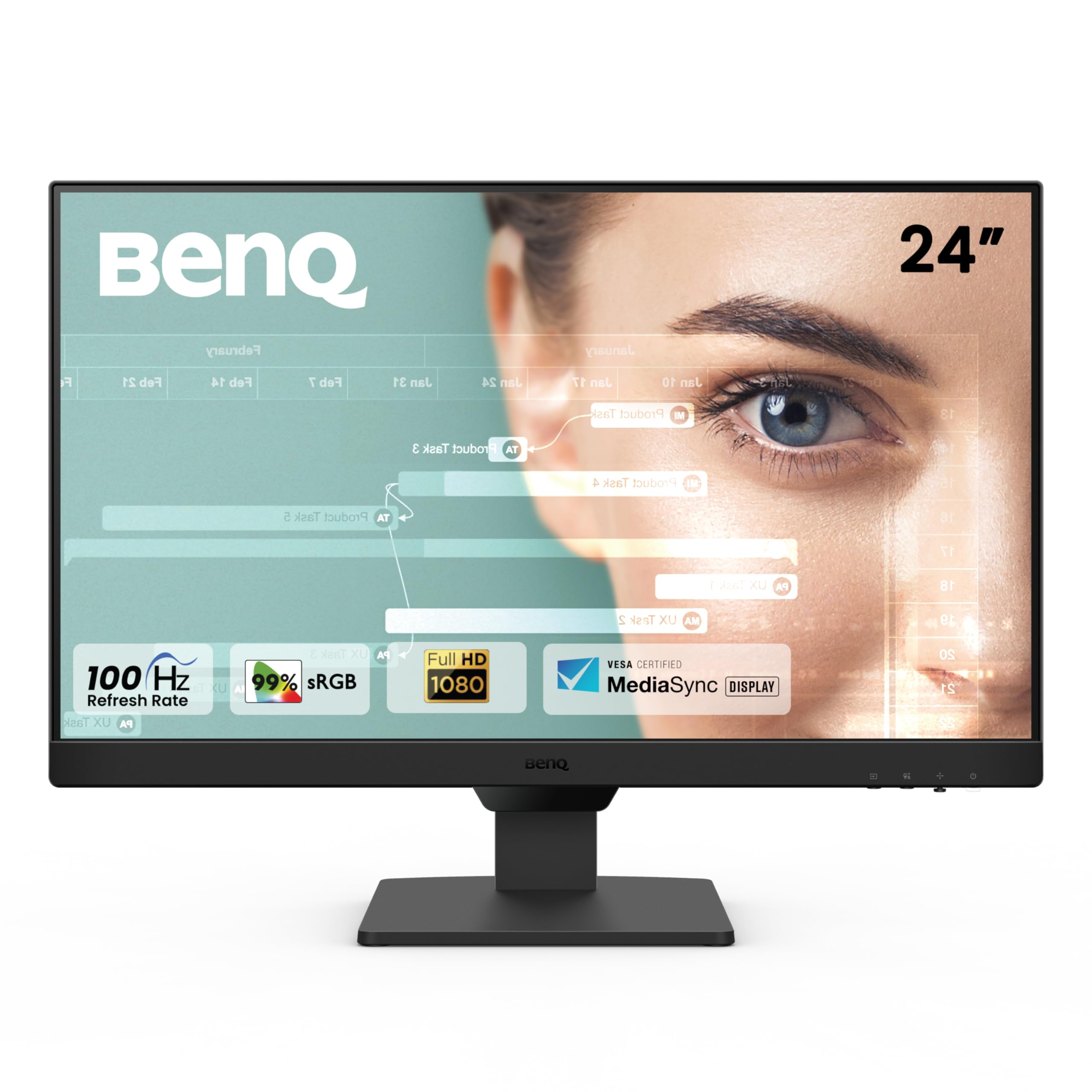
    BenQ GW2490 — Best for Excel Dashboards & Color Accuracy

    https://m.media-amazon.com/images/I/71R9wQ172qL.jpg

    Key specifications

    FeatureDetails
    Screen size24 inches
    ResolutionFull HD (1920 × 1080)
    Panel typeIPS
    Refresh rate100 Hz
    Color gamut99% sRGB
    PortsDual HDMI, DisplayPort
    ExtrasBuilt-in speakers, VESA mount

    The BenQ GW2490 is the most color-accurate and feature-rich monitor in this comparison. With 99% sRGB coverage, Excel charts, heat maps, and dashboards appear more precise—especially useful when reports are shared with management or clients.

    Excel chart visualization experience

    • Accurate color separation in multi-series charts
    • Excellent clarity for dashboards and KPIs
    • Reduced eye fatigue during long sessions

    Pros

    • Best color accuracy among the three
    • Built-in speakers for training and webinars
    • DisplayPort support
    • Industry-leading eye-care technology

    Cons

    • Slightly higher price
    • Speakers are functional but basic

    Best for:
    Data analysts, MIS professionals, and Excel trainers who prioritize visual accuracy and comfort.

    👉 Buy Here (Affiliate)


    Quick Excel-Focused Comparison

    RequirementRecommended Monitor
    Smoothest scrolling at lowest costAcer EK240Y P6
    Everyday office & accounting workSamsung S3 24″
    Dashboards, charts & presentationsBenQ GW2490

    Final Recommendation

    • Choose Acer EK240Y P6 if budget is your priority and you want the smoothest Excel navigation.
    • Choose Samsung S3 24″ for dependable, long-hour office and accounting work.
    • Choose BenQ GW2490 if you create Excel dashboards, reports, or visual presentations where color accuracy matters.

    All three are strong upgrades over basic 60 Hz monitors and will noticeably improve Excel productivity.


    Frequently Asked Questions (FAQ)

    1. Is a high refresh rate useful for Excel?
    Yes. While Excel does not require it, higher refresh rates make scrolling and navigation smoother and more comfortable.

    2. Is IPS the best panel type for Excel?
    Yes. IPS panels provide consistent colors and wide viewing angles, ideal for charts and long sessions.

    3. Is Full HD sufficient for a 24-inch Excel monitor?
    Yes. Full HD offers a good balance of clarity, performance, and affordability for most Excel users.

    4. Do I need high color accuracy for Excel?
    If you work with dashboards or client-facing reports, higher color accuracy improves visual clarity.

    5. Are built-in speakers necessary?
    Not required for Excel, but useful for online training and video tutorials.


    Disclaimer

    This article is for informational purposes only. Prices, specifications, and availability may change. Purchasing decisions should be based on personal requirements and the latest product details. Affiliate links may generate a small commission at no additional cost to the buyer.

  • Best Monitors for Data Analysts and Accountants in 2025: Top 3 Budget-Friendly Options for Excel, Tally, and Reporting Work

    For data analysts, accountants, MIS executives, auditors, tax consultants, and office professionals, choosing the right monitor is as important as choosing the right laptop or desktop. When your daily tasks involve handling large Excel sheets, Tally reports, MIS dashboards, Power BI visuals, GST returns, and financial statements, you need a monitor that delivers clarity, comfort, and consistency.

    A good monitor reduces eye strain, speeds up productivity, helps you compare multiple windows side-by-side, and improves overall work accuracy. After analyzing multiple models available online, here are the Top 3 Budget Monitors that offer excellent value for professionals working in Excel and accounting.


    Why You Need a Good Monitor for Excel & Accounting Work

    Here are a few critical points supported by workplace data:

    • More than 60 percent of data analysts work with spreadsheets over 4 hours every day.
    • A Full HD display with IPS or VA panels reduces eye fatigue significantly.
    • A higher refresh rate (100Hz instead of 60Hz) helps with smoother navigation in large Excel files.
    • Flicker-free and low-blue-light technologies help reduce eye strain during long working hours.
    • Borderless designs allow easier multi-tasking and dual-monitor setups.

    These factors make a huge difference in productivity, comfort, and long-term efficiency.


    1. Samsung 24″ S3 Flat Monitor – Best for Long Excel Hours and Multi-Window Work

    https://images.samsung.com/is/image/samsung/p6pim/in/ls24d300gawxxl/gallery/in-essential-s3-s30gd-ls24d300gawxxl-544499000?%24684_547_PNG%24=

    Price: ₹7,199 (approx)

    This Samsung 24-inch monitor stands out because of its borderless super slim design, making it ideal for professionals who work long hours with spreadsheets and financial data. The IPS panel ensures accurate color reproduction and wide viewing angles, which is crucial for accounting and audit tasks.


    Check Here

    Specifications

    FeatureDetails
    Size24 inches (60.5 cm)
    ResolutionFull HD (1920×1080)
    Panel TypeIPS
    Refresh Rate100Hz
    Response Time5 ms
    PortsHDMI, VGA
    Special FeaturesEye Saver Mode, Game Mode, Super Slim Borderless Design
    MountWall Mountable

    Pros

    • IPS panel with high color accuracy
    • 100Hz refresh rate makes scrolling in Excel smooth
    • Eye Saver Mode reduces eye fatigue
    • Borderless design ideal for dual-monitor setups
    • VESA mount support for ergonomic adjustments

    Cons

    • No built-in speakers
    • Brightness is average for very bright rooms
    • Stand offers limited adjustment

    Who Should Buy

    Ideal for accountants, MIS analysts, and finance professionals who handle long work sessions with Excel, Tally, financial screens, and dashboards. If you want an elegant design that fits modern office setups, this is a great pick.

    Buy Here


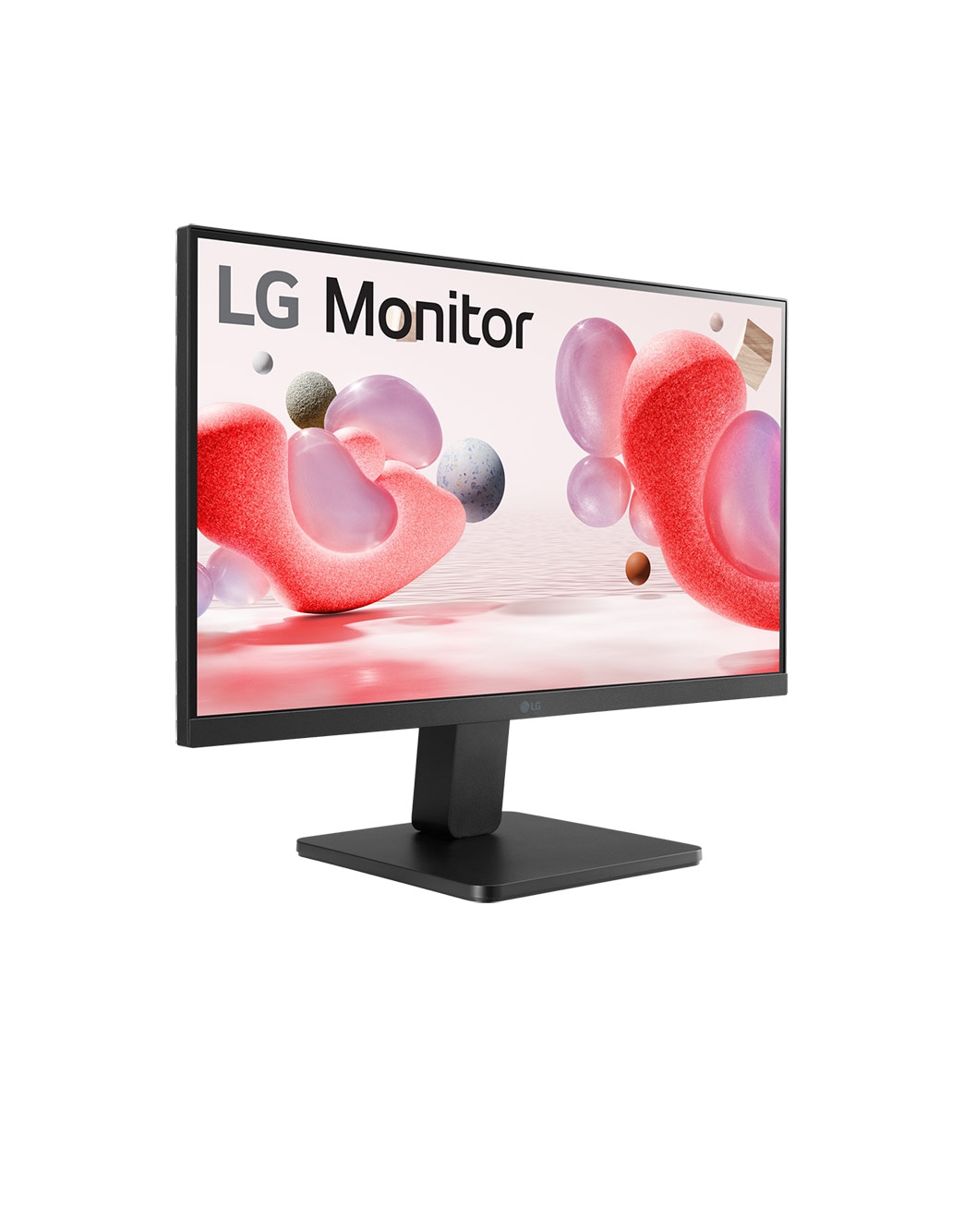
    2. LG 22 Inch FHD Monitor (22MR410) – Best Budget Monitor for Accounting Students & Office Executives

    https://www.lg.com/content/dam/channel/wcms/uk/images/monitors/22mr410-b/gallery-/zoom/fhd-22mr410-mobilezoom-04.jpg

    Price: ₹6,199 (approx)

    LG is known for its display quality, and this 22-inch FHD monitor offers great value at a low price. Even though it is a VA panel, LG has optimized contrast and clarity well, making it suitable for Excel, Tally, data entry, and accounting work.

    https://amzn.to/49TkXHC
    Check Here

    Specifications

    FeatureDetails
    Size22 inches (55 cm)
    ResolutionFull HD (1920×1080)
    PanelVA Panel
    Refresh Rate100Hz
    Color GamutsRGB 99%
    TechnologyFreeSync, Black Stabilizer, Reader Mode
    PortsHDMI, VGA
    DesignVirtual Borderless

    Pros

    • Excellent price-to-performance ratio
    • sRGB 99% delivers vibrant color accuracy
    • Reader Mode and Flicker Safe are helpful for long usage
    • Compact and perfect for smaller desks
    • Great black levels with VA technology

    Cons

    • Viewing angles not as strong as IPS panels
    • No height adjustment in the stand
    • Slightly smaller size may feel restrictive for multi-window work

    Who Should Buy

    A great choice for students, beginners, back-office staff, and small business owners who want a reliable display at a lower cost. It is also ideal if you have limited desk space.

    Buy Here


    3. BenQ GW2490 24″ IPS Monitor – Best for Eye Comfort and Professional Work

    https://m.media-amazon.com/images/I/71H02S%2B%2BO9L.jpg

    Price: ₹8,250 (approx)

    BenQ is well-known for its eye-care technology, and this model is packed with features that protect your vision during long sessions of Excel reporting, Power BI dashboards, and accounting work. It also comes with built-in speakers, adding extra value.


    Check Here

    Specifications

    FeatureDetails
    Size24 inches
    ResolutionFull HD (1920×1080)
    PanelIPS
    Refresh Rate100Hz
    Color Gamut99% sRGB
    PortsDual HDMI, DisplayPort
    FeaturesLow Blue Light+, Eyesafe, Bezel-Less, VESA Mount, Speakers

    Pros

    • Industry-leading eye-care technology
    • IPS display with excellent color accuracy
    • Built-in speakers for webinar and office use
    • DisplayPort support for better performance
    • Bezel-less design enhances productivity

    Cons

    • Slightly higher price compared to basic models
    • Stand is basic with limited adjustment
    • Sound quality of speakers is average

    Who Should Buy

    Best suited for data analysts, corporate professionals, financial consultants, and anyone who spends over 6–8 hours a day on-screen. If eye comfort is your priority, this is the top recommendation.

    Buy Here


    Comparison Table – Best Monitors for Data Analysts & Accountants

    MonitorIdeal For
    Samsung 24″ S3Smooth Excel navigation, long hours, dual-screen setups
    LG 22MR410Students, small office users, budget-friendly setups
    BenQ GW2490Eye comfort, professional analysis, long-term reliability

    Which Monitor Should You Choose?

    If you are still unsure, here is a quick guide:

    • Best for smooth Excel and multitasking → Samsung 24″ S3
    • Best for tight budget → LG 22MR410
    • Best for eye safety and long usage → BenQ GW2490

    For accountants and data analysts, a 24-inch IPS monitor with 100Hz refresh rate is the ideal combination. If your budget allows, choosing either the Samsung or BenQ will give you maximum comfort and productivity.


    Final Verdict

    Investing in a good monitor brings long-term benefits like reduced eye strain, faster data analysis, better productivity, and more accurate accounting. Whether you are a data analyst preparing dashboards, an accountant handling Tally records, or an office professional analyzing financial sheets, the right screen can significantly enhance your workflow.

    The three monitors listed above are the most reliable and best-performing options in the budget segment. Each model offers strong value depending on your needs and budget.


    Disclaimer

    This article is meant for informational and review purposes only. Prices and specifications mentioned may vary depending on availability. Some links included are affiliate links, and purchasing through them may provide a small commission to the author at no additional cost to you. All product comparisons and recommendations are based on independent analysis and usage requirements.