Description
✅ 401 Students Enrolled | 4.4 ★ Rating (80 Reviews)
🎓 14.5 Hours of On-Demand Training + 45 Resources + Certificate of Completion
Why Google Workspace Skills Matter in 2025
In today’s digital-first world, Google Workspace (formerly G Suite) has become the backbone of modern offices, schools, startups, and freelancers. From managing emails to collaborating on documents in real-time and hosting online meetings, Google Workspace equips you with everything you need to work efficiently in the cloud.
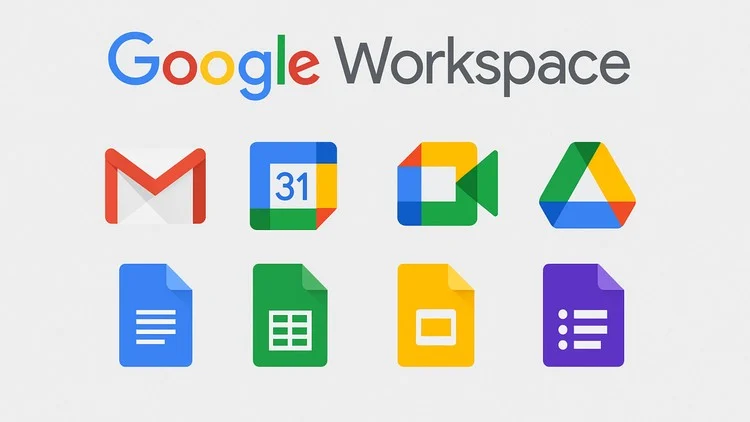
But here’s the catch – most people only use a small fraction of its potential. Imagine how much faster, smarter, and more confident you’d be if you mastered ALL the essential tools like Gmail, Drive, Docs, Sheets, Slides, Forms, Calendar, Meet, and more.
That’s exactly what this course delivers.
What This Course Offers
Our step-by-step Google Workspace training is designed for absolute beginners as well as professionals who want to sharpen their digital skills. You’ll not just learn features—you’ll learn how to apply them in real-world scenarios for productivity, collaboration, and automation.
Here’s what you’ll master:
-
📧 Gmail Proficiency – Use labels, filters, smart inbox features, and email etiquette for professional communication.
-
📅 Google Calendar – Schedule events, set reminders, sync meetings with Gmail, Meet, and Drive.
-
📂 Google Drive – Securely store, organize, and share files with individuals or entire teams.
-
📑 Google Docs – Create documents, co-edit in real-time, and use advanced formatting for reports and proposals.
-
📊 Google Sheets – Manage data, apply formulas, use pivot tables, and build simple dashboards.
-
📽️ Google Slides – Build professional, collaborative presentations.
-
🎥 Google Meet – Host online meetings, webinars, and collaborate virtually.
-
🌐 Google Sites – Create websites without coding—perfect for team projects or small businesses.
-
📋 Google Forms – Build surveys, quizzes, feedback forms, and analyze results instantly.
-
📝 Google Keep & Tasks – Stay organized and manage personal or professional tasks seamlessly.
Why Learners Love This Course
⭐ 14.5 Hours of Practical Lessons – Learn at your own pace with detailed video training.
⭐ 45 Downloadable Resources – Worksheets, templates, and real-world examples to practice.
⭐ 2 Practice Tests + 1 Article – Reinforce your learning with hands-on assessments.
⭐ Certificate of Completion – Add a strong skill credential to your CV or LinkedIn.
⭐ Full Lifetime Access – Learn anytime, anywhere on mobile or TV.
Who Should Take This Course?
This training is designed for anyone using a Google Account, whether personal or professional.
Perfect for:
-
🧑💼 Office workers and professionals who want to improve productivity.
-
🎓 Students and job seekers aiming to boost employability.
-
👩💻 Freelancers and virtual assistants working remotely.
-
🏢 Small business owners managing digital operations.
-
📊 Project managers and team leaders coordinating online tasks.
Why Enroll Today?
With 401+ students already enrolled and an average rating of 4.4/5, this course is trusted by learners across the globe. By the end, you’ll not just “know” Google Workspace – you’ll master it to boost efficiency, collaboration, and digital confidence.
🚀 Don’t just use Google Workspace—become a power user!
👉 Enroll Now and start your journey toward becoming a Google Workspace expert.